

Best Community Management Software: Compare Top Platforms for Your Community

Table of Contents
The best community management software isn't a single tool—it's an integrated platform that brings your community, courses, and payments together. Platforms like Kampunity, Circle, or Mighty Networks replace the messy puzzle of separate tools, giving your members one central place to connect and learn.
Why an All-In-One Community Platform Is Essential
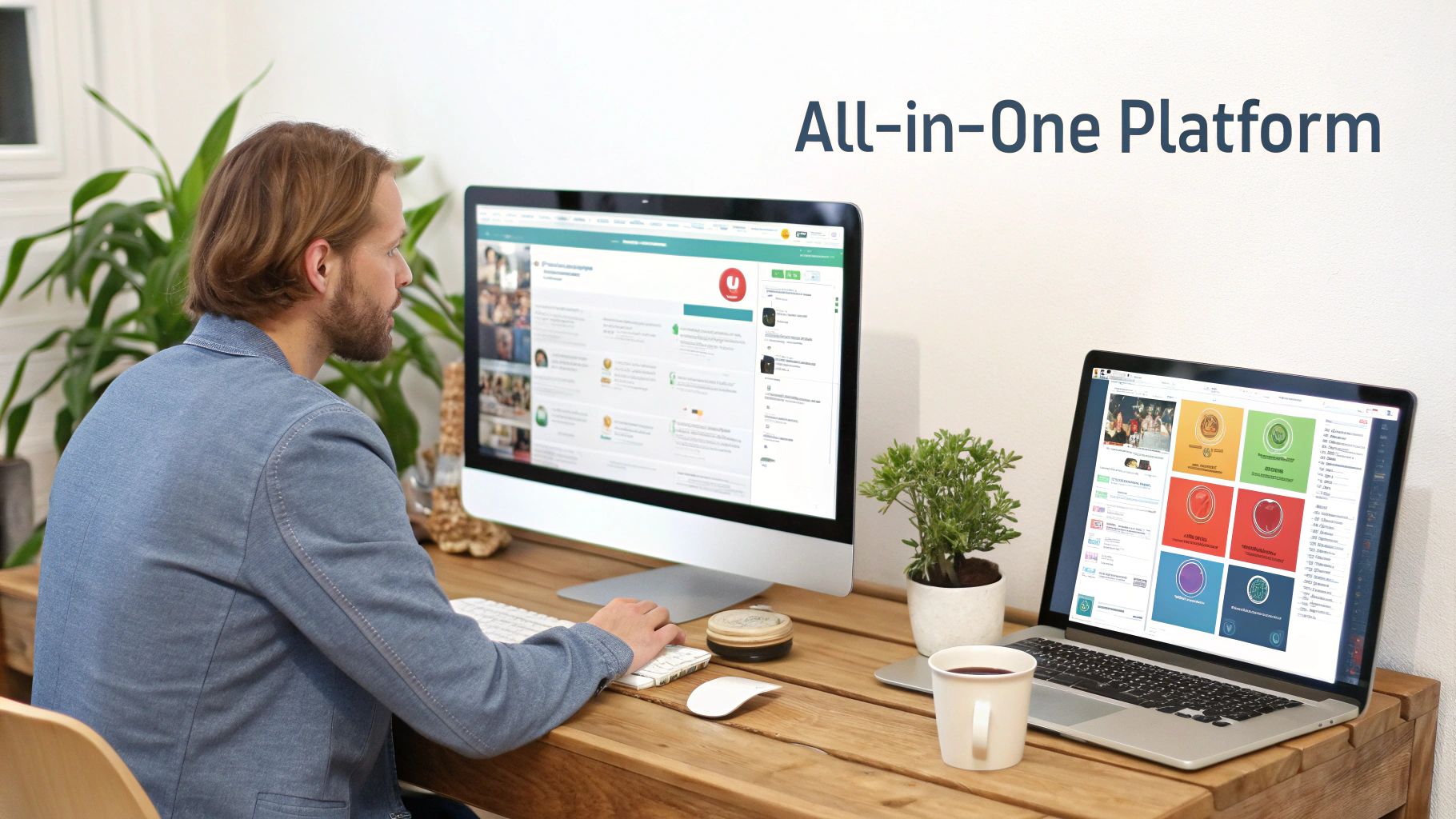
If you're a creator, you've likely felt the frustration of managing a scattered tech stack: one tool for courses, another for payments, a separate app for chat, and yet another for events. This fragmented approach confuses members and creates unnecessary administrative work for you.
An all-in-one platform solves this by uniting everything under one roof. It's no longer a "nice-to-have" but a strategic tool for building a profitable and engaging online community. By centralizing your operations, you simplify your workflow and create a seamless experience for your members.
Unifying the Member Experience
When your community, courses, and events are in different places, you force members to juggle multiple logins and learn separate interfaces. This friction leads to disengagement and drop-off. A unified platform eliminates this problem.
An all-in-one community platform is essential not only for engagement but also acts as a powerful customer retention management software, offering tips to boost loyalty.
This integrated environment makes members feel like they are part of a connected ecosystem. For instance, a member can watch a course lesson and immediately join a discussion about it without leaving the platform. This seamless flow keeps them active and invested.
Driving Growth and Engagement
Demand for unified platforms is growing rapidly. The global market for this software has already reached USD 5.5186 billion, driven by creators building successful paid learning communities.
The results speak for themselves. Course creators often see 2-3x higher engagement when using a structured community platform with features like polls, badges, and leaderboards. These tools help turn a passive audience into active, paying members.
An integrated system is designed to foster this interaction. The key benefits are:
- Centralized Communication: All member conversations, from public forums to private messages, occur in one place.
- Seamless Monetization: You can sell subscriptions, courses, and event tickets without relying on separate third-party tools.
- Actionable Data: You get a complete view of member activity, from course progress to discussion participation.
The best platforms provide tools to build organized and lively community channels where members can connect. This guide will walk you through how to choose the right one for your needs.
How to Evaluate Community Management Software
Before looking at pricing, you need a clear plan. Choosing community management software without an evaluation framework often leads to picking a tool with flashy features that don't solve your core problems. The right platform should act as the central hub for your entire creator business.
Start by asking: What does success look like for your community? Are you aiming for higher course completion rates, growing monthly recurring revenue, or increasing daily member engagement? Your goals determine which features are essential.
Here’s a practical framework to build your evaluation checklist.
Core Community Features
At its core, your platform must foster connection. Look beyond basic chat and examine how the software enables organized conversations. Can members start threaded discussions, or is everything in a single, chaotic feed?
Essential features to look for:
- Structured Channels: Create public, private, or course-specific spaces to keep conversations focused.
- Events Management: Use built-in tools to schedule, promote, and host events with automated reminders.
- Member Profiles: Allow members to customize profiles to showcase their interests and connect with others.
For example, after a live Q&A for your coaching program, you need to direct attendees to a private channel to discuss key takeaways. A seamless flow from event to discussion is crucial for building a cohesive community. For more strategies, explore our guides on effective community management.
Monetization and Learning Tools
Your community is a business, and your software should support it. Relying on a patchwork of payment gateways creates a clunky experience for members and an administrative headache for you. The best platforms integrate payments directly.
Key monetization and learning features to look for are:
- Flexible Subscriptions: Offer tiered membership levels with different access rights and prices.
- Integrated Course Builder: Create multimedia lessons, add quizzes, and track student progress without a separate learning management system (LMS).
- One-Time Purchases: Sell standalone products like workshops, digital downloads, or event tickets.
The online community management software market is projected to skyrocket from USD 6.7 billion to nearly USD 19.79 billion by 2032. This explosive growth is driven by businesses using these platforms to build loyalty and retain customers. You can discover more insights about this market growth on globalgrowthinsights.com.
This market expansion shows how critical integrated monetization has become. A platform that merges learning and payments lets you sell a course and automatically grant the buyer access to an exclusive student discussion group in a single transaction.
Engagement and Moderation
An active community is a healthy one. Gamification encourages participation and rewards members for their contributions. Features like experience points (XP), achievement badges, and leaderboards can significantly boost member interaction.
An active community also needs to be safe. As your group grows, you need strong moderation tools to maintain a positive environment. This means setting user roles and permissions, creating automated content filters, and having a clear system for reporting issues. The right software gives you the control to scale your community safely.
A Detailed Comparison of Top Community Platforms
Choosing the right software is about understanding the subtle differences that impact your business. I've spent years in this space and will break down four major players—Kampunity, Circle, Mighty Networks, and Skool—to show you where each excels. We’ll evaluate them based on community, monetization, and engagement.
This framework shows what to look for—it's not just about forums and chat. It’s about how these elements work together to create a valuable, profitable community.

A great platform must succeed in all three areas. Let's see how our contenders compare.
Kampunity: Built for Gamified Learning
Kampunity's key advantage is its built-in gamification system. This feature is woven into the platform's core to keep members engaged and progressing.
Members earn experience points (XP) for activities like posting, commenting, and completing lessons, providing a tangible sense of accomplishment. Leaderboards and achievement badges add friendly competition, which is a powerful motivator.
For a cohort-based course, this is invaluable. You can create custom badges for finishing a difficult module or for being the most helpful person in the group, which helps identify and elevate community leaders.
Key Differentiator: With Kampunity, gamification is the core engine, not an add-on. It transforms passive learning into an active, rewarding game that members enjoy.
While you can add similar features to Circle or Mighty Networks with third-party tools, the experience is rarely as seamless. Kampunity provides this functionality out of the box, making it ideal for creators who want to maximize engagement without technical complexity.
Circle: Designed for Advanced Workflows
Circle is a powerhouse for creators who need robust automation to manage complex member experiences. Its workflow engine is best-in-class, allowing you to set up triggers based on member actions, such as joining a specific plan or using a certain keyword in a post.
For example, when a new member signs up for your premium tier, Circle can automatically:
- Add them to an exclusive VIP space.
- Tag their profile as a "VIP Member."
- Send them a personalized welcome message.
- Enroll them in a special onboarding course.
This level of automation saves significant administrative time and ensures every member receives a high-quality experience. While other platforms offer some automation, Circle's is more advanced, supporting detailed "if-this-then-that" rules that can scale with your business. It is built for established creators and brands with large, segmented communities.
Mighty Networks: The Ultimate White-Label Solution
Mighty Networks excels at branding and ownership. It is designed for creators who want their community to feel like a custom-built app, not just another group on a generic platform.
You can customize everything from brand colors to the names and layouts of your features. The standout feature is "Mighty Pro," a service for launching a fully white-labeled mobile app on the Apple App Store and Google Play Store. This puts your brand on your members' home screens, building significant brand equity.
This is a major advantage for any creator or business focused on building a long-term, independent brand. While Kampunity and Circle offer good customization, Mighty Networks lets you essentially create your own private social network. The platform itself is a comprehensive toolkit with features for events, courses, and flexible "Spaces."
Skool: The Master of Simplicity
Skool takes a different approach, focusing on radical simplicity. It strips away all but the essential features to create a distraction-free, high-engagement environment. It consists of only three parts: the community feed, the classroom for courses, and a calendar for events.
This minimalism is intentional. By removing clutter, Skool makes it easy for members to know where to go and what to do. The entire experience centers on the community feed, where members contribute and earn points for their activity.
Skool's gamification is brilliantly simple: members unlock more course content as they "level up" through participation. This creates a powerful feedback loop that directly rewards engagement with progress, encouraging members to return.
Key Differentiator: Skool's strength is its intense focus. It is for creators who believe a simple, clean environment is the fastest path to getting their members results.
This makes Skool an excellent choice for coaching programs and mastermind groups where the primary goal is focused conversation and accountability, not an extensive content library or complex funnels.
Community Platform Feature Comparison
This table provides a clear, at-a-glance comparison to help you match a platform to your primary goals.
| Feature | Kampunity | Circle | Mighty Networks | Skool |
|---|---|---|---|---|
| Best For | Gamified learning and course creators | Advanced automation and scalable communities | Deep branding and white-label mobile apps | Minimalist, high-focus mastermind groups |
| Gamification | Excellent (Native XP, levels, badges) | Fair (Via integrations) | Good (Basic native features) | Excellent (Level-based content unlocking) |
| Automation | Good (Zapier integration) | Excellent (Native workflow builder) | Good (Zapier integration) | Limited (Minimal native options) |
| Customization | Good (Branding and colors) | Good (Branding and custom CSS) | Excellent (Full white-label mobile app) | Limited (Minimal branding options) |
| Ease of Use | Excellent (Intuitive for creators) | Good (Steeper learning curve) | Fair (Many features to configure) | Excellent (Extremely simple interface) |
Ultimately, the best community management software is the one that aligns with your specific vision. If you want to drive course sales with high engagement, Kampunity is a strong choice. If you're scaling a large community and need powerful automation, Circle excels. For building a powerful, independent brand with its own app, Mighty Networks is the leader. And if you prioritize focused interaction, Skool’s simplicity is unmatched.
Picking the Right Software for Your Creator Business
There is no single "best" platform; the right choice is the one that best fits your needs. Following generic advice can lead you to a tool that creates more problems than it solves.
Let's match the right software to real-world creator scenarios to help you choose a tool that feels like a natural extension of your business strategy.
Best for Gamified Learning Communities
If your primary goal is to keep students motivated and on track, you need a platform where engagement is an integral feature. Gamification can turn course completion and daily check-ins from a chore into a rewarding challenge.
Recommendation: Kampunity
Kampunity is the clear winner in this category. Its gamification features—like experience points (XP), achievement badges, and leaderboards—are built directly into the platform. This transforms learning into an interactive game that rewards members for participation.
- Real-World Example: Imagine you are running a 12-week coding bootcamp. With Kampunity, you could award a "Bug Squasher" badge to any student who helps another solve a problem in the forums. This encourages peer support and publicly celebrates your most helpful members, turning them into community champions.
This native functionality creates a self-sustaining cycle of engagement that is difficult to replicate by patching together third-party tools on other platforms.
Best for Cohort-Based Coaching Programs
For coaches running live, cohort-based programs, structure, accountability, and seamless event management are essential. You need a tool that can handle scheduling, create private breakout spaces, and keep everyone organized.
Recommendation: Circle
Circle is excellent for creating structured, time-bound experiences. Its powerful event scheduling, combined with the ability to create private spaces for each cohort, makes it a perfect fit for managing group coaching programs.
The magic of cohort-based learning is the focused, shared journey. Your software should support this with dedicated spaces and clear calendars, clearing away all the logistical friction so you can actually focus on coaching.
You can create a unique space for "Cohort 4" with its own calendar for live sessions and a private discussion area. This keeps each group’s conversations and files organized, preventing the chaos that can occur on more open platforms.
Best for Scalable Membership Brands
When your goal is to build a large membership brand, your priorities shift to advanced analytics, deep customization, and robust integrations. You need a platform that can scale to thousands of members while providing the tools to create a unique, professional experience.
Recommendation: Mighty Networks
Mighty Networks is built for creators who view their community as a standalone brand. Its standout feature, Mighty Pro, lets you launch your own white-label mobile app on the App Store and Google Play, putting your brand directly on members' home screens.
This level of customization is unmatched and crucial for businesses looking to build significant brand equity. Its advanced analytics provide deep insights into member behavior, helping you optimize as you scale. For a more detailed comparison of membership features, check out our guide on the best membership site platforms.
Best for Minimalist High-Focus Groups
For masterminds, accountability circles, or high-ticket coaching groups, intense focus and distraction-free interaction are key. Too many features can detract from the primary goal: getting results for your members.
Recommendation: Skool
Skool is the champion of simplicity. It intentionally removes all but the essential elements: community, classroom, and calendar. This minimalist design creates an environment where members know exactly what to do.
- Real-World Example: A business mastermind uses Skool for its weekly check-ins. The community feed is used for daily accountability posts, the calendar clearly shows the next group call, and the classroom contains a curated library of core training materials. There are no other channels or distractions.
This sharp focus makes Skool an excellent choice for creators who sell outcomes, not just access to content. By eliminating clutter, you provide a direct path for members to engage, learn, and succeed.
How to Migrate Your Community Successfully

Choosing your new community software is a major step, but the real work is moving your members. A poorly planned migration can kill momentum and frustrate your community. A smooth, well-communicated transition will make members feel like they’re getting an upgrade.
A successful migration is more about communication and strategy than technical skill. Your goal is to get members excited about the move, not burdened by it. This starts with a solid plan long before you move any data.
Pre-Migration Planning and Communication
First, create a clear game plan. Start by auditing your content and members. Decide what truly needs to be moved. Not every old forum thread is essential; sometimes, a fresh start is beneficial.
Once you know what you’re moving, communicate with your members. You cannot over-communicate during a migration.
- Announce Early: Give everyone at least a few weeks' notice. Explain the why behind the move and highlight the new benefits they will receive.
- Create a Timeline: Share a simple timeline of key dates, such as when the old platform becomes read-only and when the new one officially launches.
- Set Expectations: Be transparent about what will be migrated (like accounts and key posts) and what won’t. Transparency builds trust.
Key Insight: Frame the migration as an exciting evolution, not just a technical change. Focus on the better experience and new features. A positive story can turn potential grumbling into genuine anticipation for what's next.
Executing the Technical Migration
Now for the technical step: moving your member data and content. Most modern platforms are designed to make this as easy as possible, but a methodical approach is still necessary.
Start by exporting your member list as a CSV file, which typically includes names, emails, and join dates. This is an area where cloud-based platforms excel. Cloud deployments hold a 61.4% revenue share in the community management market, partly because they simplify data handling. For a deeper dive into these trends, read the research on the community management market on databridgemarketresearch.com.
Next, migrate your content. While some platforms offer automated tools, you may need to manually move some important resources or discussions. Prioritize the high-value content that defines your community’s culture and knowledge base.
Post-Migration Onboarding and Engagement
The data is moved, but your work isn't done. The first few weeks in the new space are critical for getting members comfortable and active. A thoughtful onboarding plan can make the new platform feel vibrant from day one.
Launch a "Welcome Week" with activities that showcase the new platform’s best features.
- Host a Kick-Off Event: Go live with a Q&A or a guided tour to show everyone around and answer their questions.
- Create Simple 'First Actions': Encourage small, easy steps, like updating their new profile, posting in a welcome thread, or voting in a fun poll.
- Highlight a 'Feature of the Day': Each day, spotlight a new feature, like event scheduling or a gamification system, to show the direct benefits of the move.
By immediately demonstrating the improved experience, you reinforce that the migration was a worthwhile step forward for the entire community.
Frequently Asked Questions
When evaluating community platforms, it's common to have questions. Here are answers to some of the most frequent ones.
How Much Does Community Management Software Cost?
There's no single answer—cost depends on features and member count. You'll encounter a few common pricing models.
Some platforms, like Skool, have a flat fee around $99 per month. Others, like Circle, offer tiered plans that scale with your community, starting around $49 and increasing to $399 or more. All-in-one platforms like Kampunity may offer a free plan with a higher transaction fee (e.g., 10%) or a paid plan ($99/month) with a lower fee (e.g., 1.5%).
A Quick Heads-Up: Don't forget about payment processing fees! Services like Stripe will take their cut—usually around 2.9% + 30¢ per transaction—on top of what the platform charges.
When budgeting, be sure to account for both the platform subscription and payment processing fees to understand the true cost.
Can I Just Use Slack or Discord Instead?
While tools like Slack and Discord are excellent for real-time chat, they aren't built for a professional creator business. They lack the integrated tools needed for payments, courses, and event management.
Using them requires patching together multiple different tools, which creates a clunky experience for your members and means you don't truly own your member list. A dedicated platform brings everything under one roof, gives you full control, and provides the necessary monetization tools.
How Hard Is It to Migrate an Existing Community?
The difficulty depends on your current platform and how organized your content is. The good news is that most modern platforms are designed to simplify this process.
A successful migration comes down to planning. Follow these steps:
- Export Your Member List: Get a clean CSV file with everyone's name and email.
- Audit Your Content: Review your old posts and resources, and decide what is valuable enough to move.
- Create a Communication Plan: Inform your members about the move in advance. Get them excited by explaining why it's happening and how it will benefit them.
The most important part is how you frame it. If you present the migration as an exciting upgrade, your members will view it as a positive step. For more answers to general questions, you can also check out these common platform FAQs.
Can I Host Both Free and Paid Groups on One Platform?
Yes, absolutely. This is a core feature of the best community software. Platforms like Kampunity, Circle, and Mighty Networks are built to support this hybrid model.
You can create a free, public space to attract an audience and then upsell them into premium, members-only channels, exclusive courses, or private events. This "freemium" model is a powerful strategy for building a sales funnel and converting casual followers into loyal, paying members, all within a single system.
Ready to build, manage, and monetize your community all in one place? Kampunity provides the integrated tools for courses, events, and gamification that turn your audience into engaged, paying members. Start building your community for free today.