

Best Platforms to Sell Digital Products: A Practical Guide for 2025


Table of Contents
Choosing the right platform is the first critical step in building a successful digital business. It's not just a checkout tool; it's the foundation for how you deliver products, engage your audience, and generate revenue. With options ranging from simple download links to powerful all-in-one systems, making a choice can be paralyzing. This guide cuts through the noise.
Here, we provide a practical breakdown of the 12 best platforms to sell digital products. We go beyond listing features to show you who each platform is for and how to select the right one for your specific goals. Whether you’re selling a PDF checklist, a video course, or access to a paid community, this list will help you find the perfect fit.
Each review includes a clear analysis, screenshots, and direct links to help you make an informed decision. We’ll compare simple "Merchant of Record" solutions like Gumroad against comprehensive course builders like Kajabi, and explain when an integrated community platform like Kampunity is a smarter choice than using separate tools. This guide will help you find a platform that supports your business today and scales with you tomorrow.
For a broader understanding of how the creator economy is shaped by technology, exploring the 12 Best Platforms for Content Creators in 2025 can provide valuable insights into platform selection. This article will help you find the ideal home for your digital products and your business.
1. Kampunity
Best All-in-One for Learning Communities
Kampunity earns the top spot by combining digital products and an engaged community into one seamless platform. It integrates a multimedia course builder, threaded chat channels, event hosting, and gamification, eliminating the need to connect multiple, expensive tools. This saves you time, reduces technical headaches, and provides a unified experience for your members.
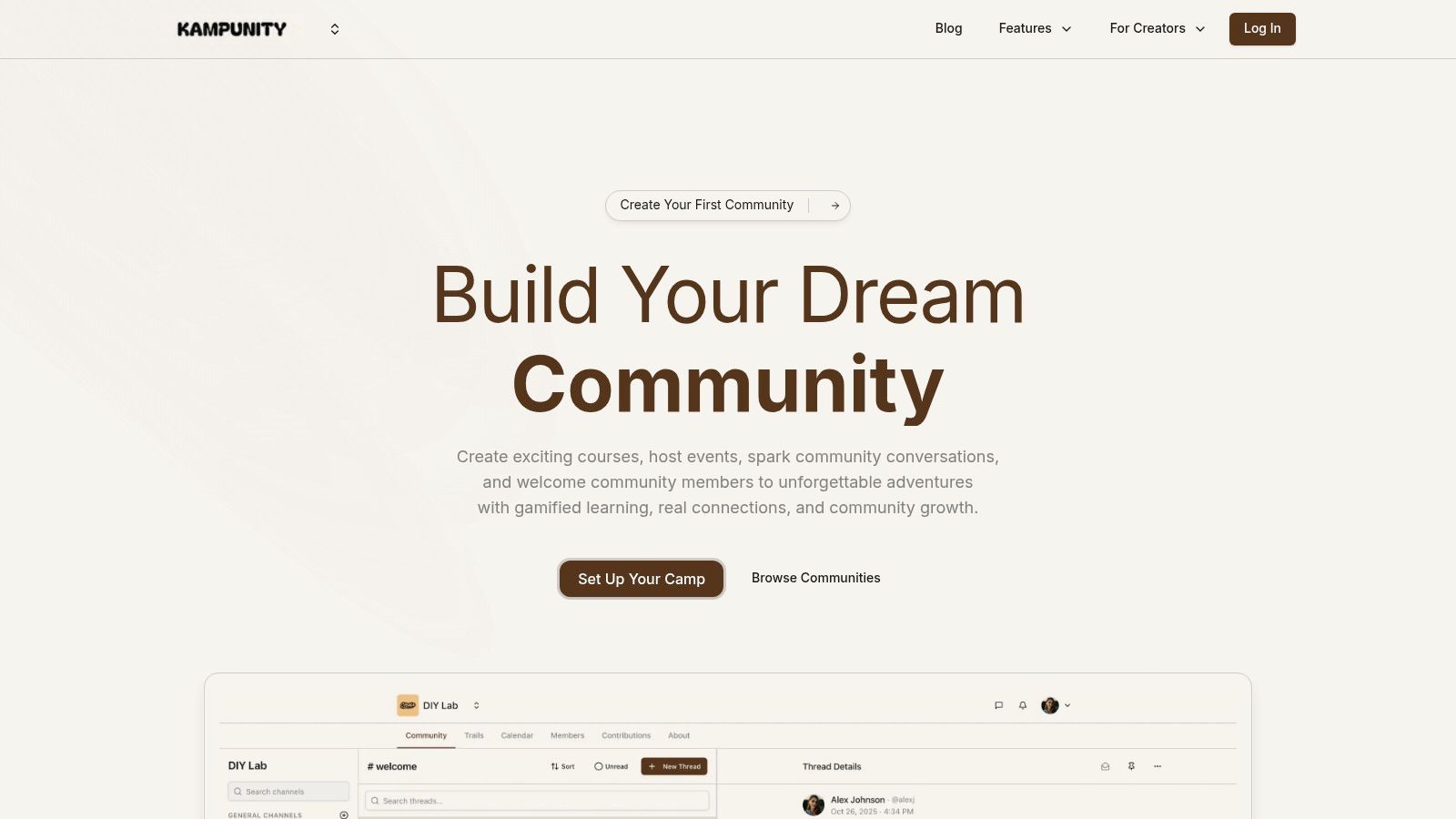
The platform is built for monetization and engagement. You can sell courses, tiered subscriptions, or one-off access using built-in landing pages. The key advantage is the deep integration between content and community. For example, you can create a private channel that only unlocks for students who purchase a specific course, creating a focused space for discussion and support. This makes Kampunity one of the best platforms to sell digital products if your strategy is built around an interactive user base.
Standout Features & Use Cases
- Integrated Gamification: Award points, badges, and leaderboard status for activities like completing lessons or participating in discussions. This turns passive learning into active engagement.
- Flexible Monetization: Sell how you want. Offer free trials, one-time purchases for specific courses, or create tiered subscriptions that bundle access to different courses, channels, and exclusive events.
- Unified Events Calendar: Manage your entire schedule—from live Zoom workshops to in-person meetups—in one place. Automated reminders and a central calendar help improve attendance.
- Robust Community Controls: Maintain a safe and organized space with member roles, permissions, and moderation tools. Create public, private, or read-only channels to structure conversations as you grow.
Pricing and Getting Started
Kampunity uses a creator-friendly model that lets you start for free.
- Free Plan: $0/month with a 10% platform fee on transactions.
- Camp Plan: $99/month, which reduces the platform fee to just 1.5%.
Both plans are subject to standard Stripe processing fees. This structure allows you to launch without upfront costs, making it a low-risk option. As a top-tier community-building tool, it is also featured in our guide to the best online community platforms.
Ideal For: Course creators, coaches running group programs, and anyone building a paid learning community.
Learn more at Kampunity.com
2. Gumroad
Best for: Quick launches and creators who want a simple, all-in-one solution without a monthly subscription fee.
Gumroad is a creator-focused platform that excels at simplicity. It's one of the best platforms to sell digital products if your goal is to launch a product page in minutes. The platform operates on a "pay-as-you-earn" model with no monthly fees, making it a zero-risk option for testing a new product idea.
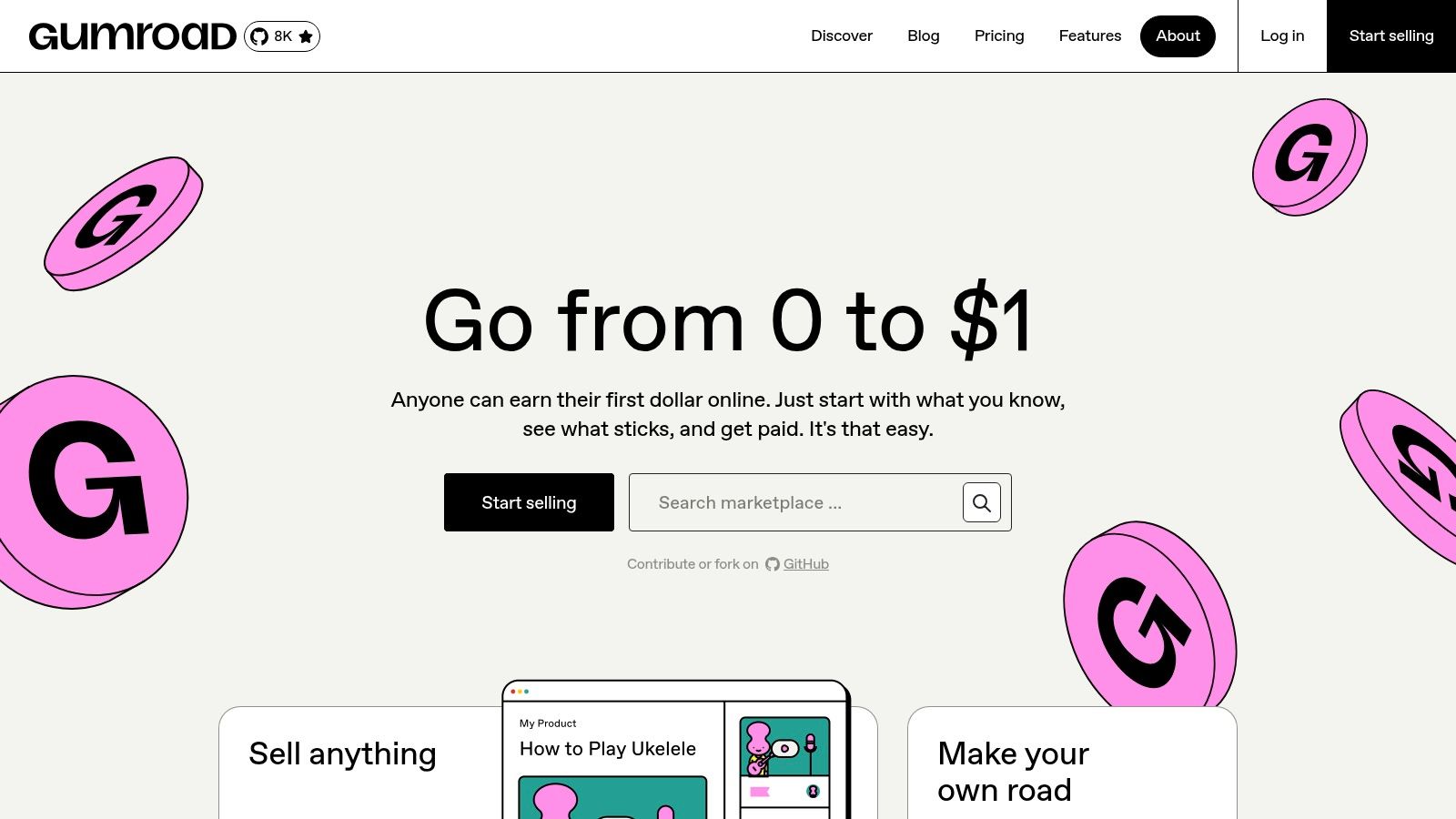
Starting January 1, 2025, Gumroad acts as a Merchant of Record (MoR) for all sales. This is a huge advantage, as it means Gumroad handles the complex process of collecting and remitting global sales tax and VAT for you. This feature alone can save you hours of administrative work and potential legal issues. For a step-by-step walkthrough, you can find more information on how to start selling digital products on Gumroad.
Key Features & Pricing
- Monetization Models: One-time downloads, courses, and memberships.
- Core Features: Simple hosted product pages, direct file hosting, and a streamlined checkout. Its optional "Discover" feature can help new customers find your products through its marketplace.
- Pricing: Gumroad takes a flat 10% fee on every sale (this does not include payment processing fees). If a sale comes through its Discover feature, the fee is an additional 30%.
Use Case & Limitations
Gumroad is perfect for selling one-off products like ebooks, templates, or short video tutorials. While it supports courses and memberships, the features are basic compared to dedicated platforms. Storefront customization is also limited, focusing on the product page rather than a full brand experience. The high transaction fees can become a significant drawback as your sales volume grows.
- Pros: No monthly fees, extremely easy to set up, handles global sales tax.
- Cons: High transaction fees (10%), limited customization for your storefront.
3. Shopify + Digital Downloads (App)
Best for: Entrepreneurs who want a professional, scalable online store and plan to sell both digital and physical products.
Shopify is a leading e-commerce platform that provides a complete, customizable storefront. By installing its free Digital Downloads app, you can easily add digital products like ebooks, software, or design assets to a powerful online store. This setup is one of the best platforms to sell digital products if you envision a full brand with extensive marketing tools and the potential to sell across multiple channels.

Unlike simpler platforms, Shopify gives you total control over your website's design with a vast theme marketplace. Its true strength lies in the Shopify App Store, where you can add advanced features for email marketing, subscriptions, and more. This ecosystem is ideal for sellers who are serious about scaling their business and need a platform that can grow with them.
Key Features & Pricing
- Monetization Models: One-time sales, subscriptions (requires an app), and product bundling.
- Core Features: Fully hosted and customizable storefront, professional checkout, robust analytics, and a massive app ecosystem for adding functionality.
- Pricing: Plans start at $29/month (billed annually) for the Basic plan. Transaction fees are 2.9% + 30¢ per online sale if using Shopify Payments; additional fees apply for other payment gateways.
Use Case & Limitations
Shopify is excellent for established creators or businesses that need more than just a simple product page. It excels at managing a large catalog, running sophisticated marketing campaigns, and integrating with other business tools. However, the free Digital Downloads app is basic. For advanced features like PDF stamping or license keys, you'll need paid third-party apps, and these costs can add up quickly.
- Pros: Highly scalable with extensive integrations, professional storefront, strong multi-channel sales tools.
- Cons: Monthly subscription fee, app costs can add up, native digital downloads app is limited.
4. WooCommerce (WordPress)
Best for: Entrepreneurs and businesses that want full ownership and unlimited customization of their digital storefront using WordPress.
For those who want to build a truly custom platform, WooCommerce is the industry standard. As an open-source plugin for WordPress, it transforms your website into a powerful e-commerce store. This gives you complete control over branding, user experience, and data ownership without being locked into a third-party platform's rules.
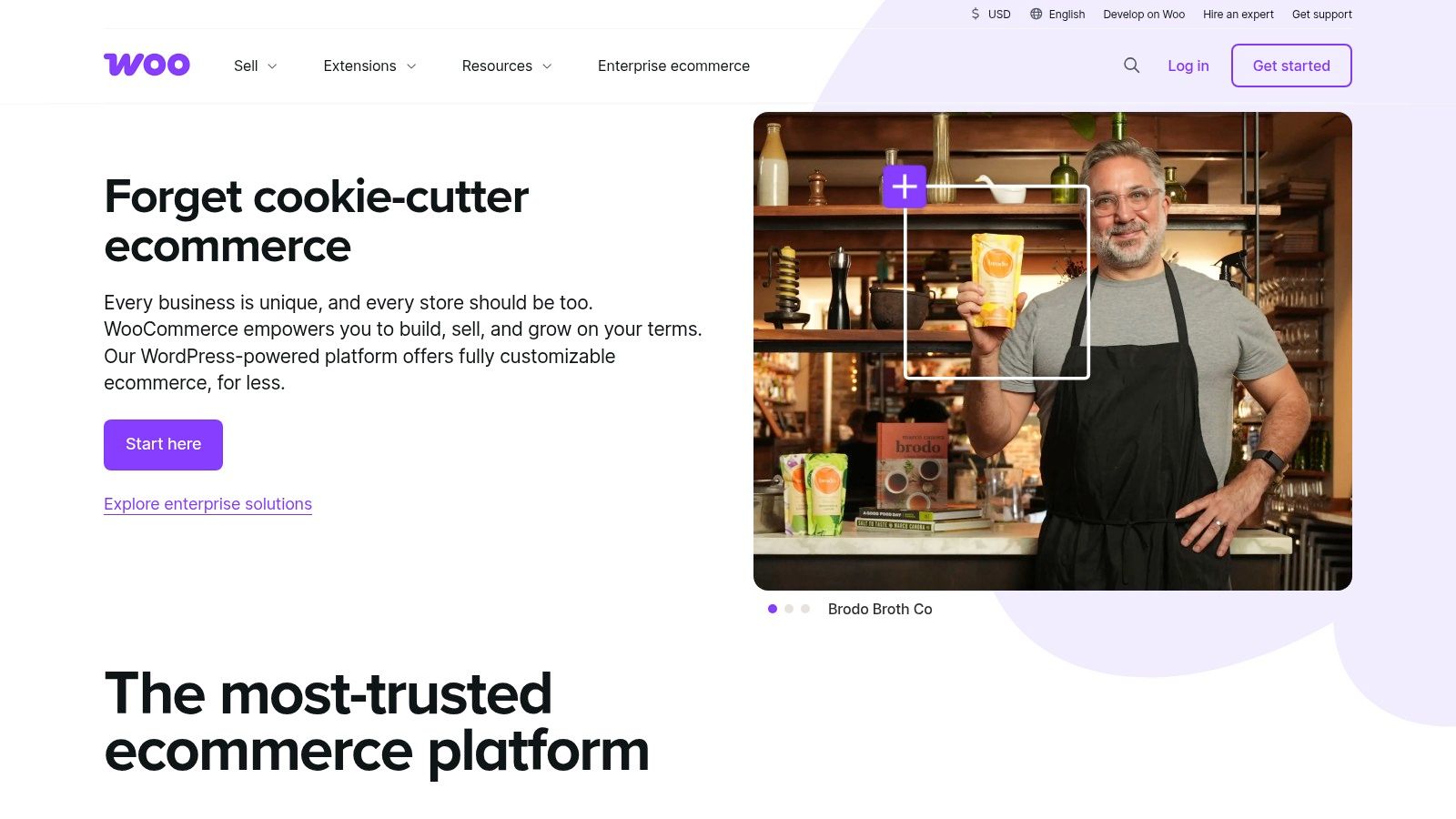
This approach is different from hosted platforms. You are responsible for your own hosting, security, and maintenance, but in return, you get unparalleled flexibility. You can choose from thousands of themes and extensions to add any feature you need, such as memberships, course management, or advanced analytics, making it one of the most versatile solutions available.
Key Features & Pricing
- Monetization Models: One-time downloads, subscriptions, memberships, and courses via extensions.
- Core Features: Complete control over store design, direct integration with payment gateways, built-in digital product delivery, and a massive ecosystem of free and paid extensions.
- Pricing: The WooCommerce plugin is free. However, you must pay for web hosting (typically $10-$50/month), a domain name, and potentially premium themes or plugins. You only pay standard payment processing fees on sales, with no extra platform fees.
Use Case & Limitations
WooCommerce is ideal for established businesses or creators with some technical comfort who want to build a long-term asset. It's perfect for selling a diverse range of digital products like software, ebooks, and complex online courses. The main drawback is the technical responsibility. You are in charge of updates, security, and troubleshooting, which can be a significant time investment.
- Pros: Total control and flexibility, you own all your data, no platform transaction fees.
- Cons: Requires you to manage hosting and security, potential for technical issues and maintenance.
5. Etsy (Digital Downloads category)
Best for: Creatives and small business owners selling high-volume, low-cost digital items like templates, printables, and digital art to a massive, ready-made audience.
While known for physical goods, Etsy has become a powerhouse for digital creators. It is one of the best platforms to sell digital products if you want to tap into a huge existing marketplace of buyers looking for unique items. The platform’s strength is its built-in traffic, allowing customers to discover your products without you needing to build an audience from scratch.
Setting up a digital product listing on Etsy is simple. The platform automates delivery, making files available for instant download immediately after purchase. For sellers in the US and certain other regions, Etsy also acts as a Marketplace Facilitator, collecting and remitting sales tax for you, which simplifies a complex part of running an online business.
Key Features & Pricing
- Monetization Models: One-time digital downloads.
- Core Features: Massive built-in marketplace, instant digital delivery, integrated Etsy Payments, and a built-in review system.
- Pricing: Etsy charges a $0.20 USD listing fee per item (active for four months). On each sale, you pay a 6.5% transaction fee on the total order amount, plus a payment processing fee (typically around 3% + $0.25 in the US).
Use Case & Limitations
Etsy is perfect for selling assets like social media templates, planners, Procreate brushes, or printable wall art. Its large audience makes it ideal for generating passive income. However, the platform offers very little brand control; your shop exists within Etsy’s ecosystem, limiting customization and direct customer relationships. The marketplace is also highly competitive, and the various fees can eat into your profit margins, especially on higher-priced items.
- Pros: Access to a large, built-in customer base, trusted marketplace reputation, automated sales tax handling in many regions.
- Cons: Multiple fees that can add up, high competition, limited brand control over your storefront.
6. Payhip
Best for: Creators seeking an all-in-one platform with transparent pricing and no feature restrictions, regardless of the plan.
Payhip is a direct and powerful e-commerce solution that gives creators access to a full suite of tools without paying for premium tiers. Unlike platforms that hide features behind expensive plans, Payhip makes everything—including courses, memberships, and coaching—available from day one. This makes it one of the best platforms to sell digital products for creators who need advanced functionality on a budget.
A key feature is Payhip's handling of digital sales tax. The platform automatically collects and remits EU and UK VAT for its sellers, a significant administrative relief for anyone selling to a global audience. This allows you to focus on your products instead of navigating complex international tax laws.
Key Features & Pricing
- Monetization Models: One-time downloads, online courses, coaching services, and recurring memberships.
- Core Features: Hosted storefront and product pages, instant file delivery, affiliate marketing tools, coupon codes, and basic email marketing.
- Pricing: Payhip offers three simple tiers. The Free Forever plan has a 5% transaction fee. The Plus plan is $29/month with a 2% fee, and the Pro plan is $99/month with no transaction fee. All fees are in addition to standard Stripe/PayPal processing fees.
Use Case & Limitations
Payhip is an excellent choice for solo creators who want to sell a diverse range of digital products from a single hub. It's particularly strong for those who plan to offer courses and memberships but aren't ready for the high monthly costs of other platforms.
The main limitation is its integrations. While it covers the basics, it lacks deep connections to third-party marketing and analytics tools that larger platforms offer. This may be a drawback for established businesses looking to scale with a complex tech stack.
- Pros: All features available on every plan, automatically handles EU/UK VAT, instant payouts.
- Cons: Transaction fees on lower-tier plans, fewer advanced integrations than competitors.
7. Lemon Squeezy
Best for: SaaS founders, software developers, and creators who need a robust Merchant of Record to handle global tax compliance automatically.
Lemon Squeezy is an all-in-one platform built to be the payments and tax infrastructure for your business. As a Merchant of Record (MoR), its primary value is offloading the complexity of global sales tax and VAT compliance. This makes it one of the best platforms to sell digital products for businesses that plan to scale internationally and want to avoid the administrative and legal burdens of tax remittance.
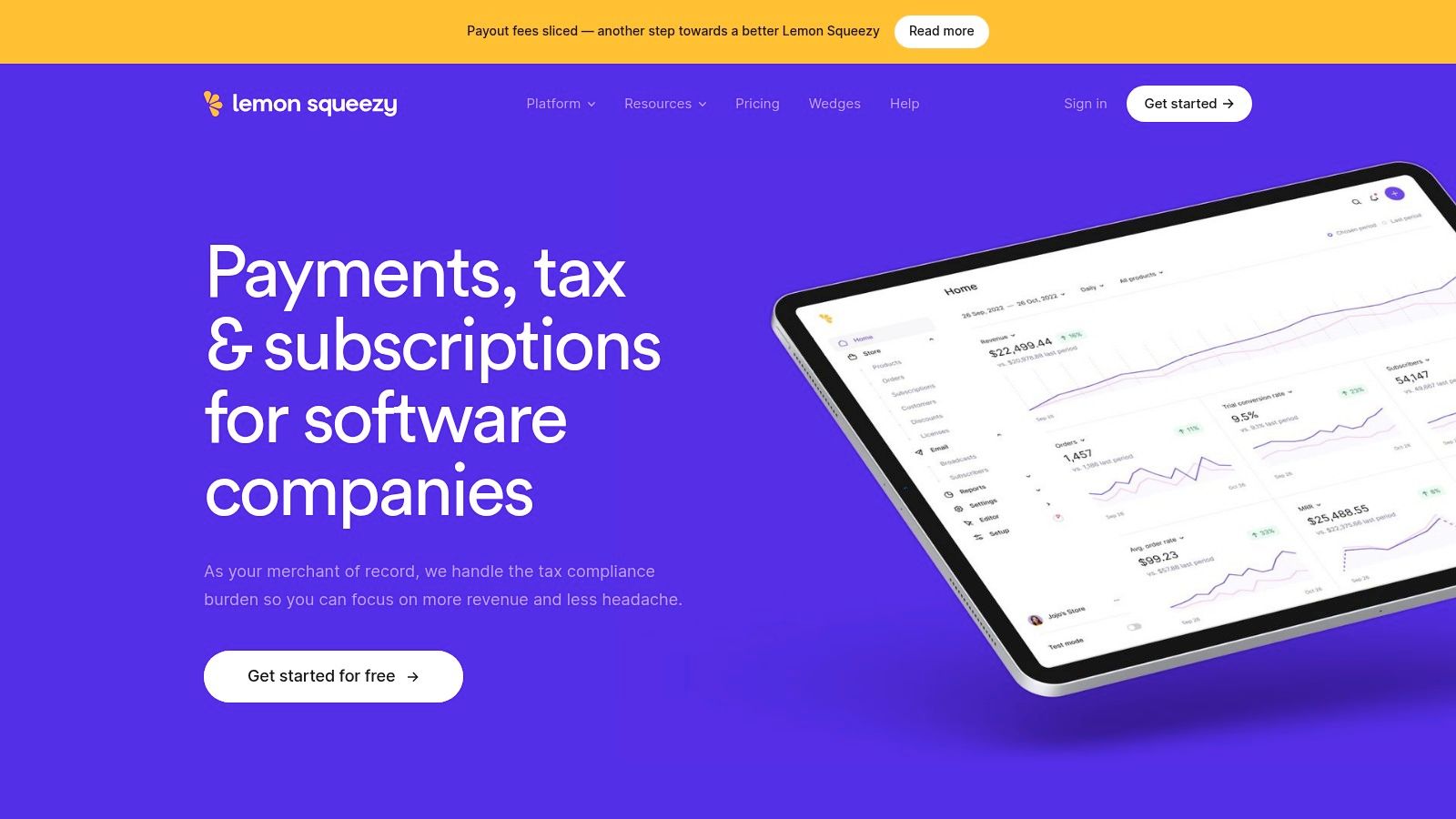
Unlike simpler platforms, Lemon Squeezy is designed for software and subscriptions, offering features like license key generation, tiered subscriptions, and a developer-friendly API. It also includes optional built-in email marketing. The platform handles checkout, fraud detection, and customer billing, acting as a true backend partner.
Key Features & Pricing
- Monetization Models: One-time digital products, SaaS subscriptions, and software license keys.
- Core Features: Merchant of Record service (handles all sales tax/VAT), hosted checkout, subscription management, and lead magnets. It also features an API for deeper integrations.
- Pricing: The standard plan is 5% + 50¢ per transaction. A "Pro" plan for advanced features is 8% + 50¢. These fees do not include payment processing fees, and small surcharges may apply for specific payment methods like PayPal.
Use Case & Limitations
Lemon Squeezy is ideal for selling SaaS products, WordPress plugins, apps, and other software that requires license keys or recurring billing. Its MoR functionality is a major advantage for anyone selling globally. The primary limitation is its payout schedule; funds are paid out twice a month, not instantly, which might affect cash flow. While it offers email marketing, the tools are not as advanced as dedicated platforms.
- Pros: Completely handles global tax and VAT liability, developer-friendly API, straightforward per-transaction pricing.
- Cons: Payouts are scheduled, not instant. Small extra fees on certain payment types can add up.
8. Paddle
Best for: Software companies and B2B sellers who need a robust payment infrastructure with built-in global tax compliance.
Paddle is not a storefront builder but a powerful Merchant of Record (MoR) platform designed to handle the entire payment lifecycle for you. It's one of the best platforms to sell digital products if you already have a website and need an enterprise-grade solution to manage payments, subscriptions, invoicing, and global tax compliance. Paddle acts as the reseller of your product, taking on the liability for sales tax and VAT worldwide.
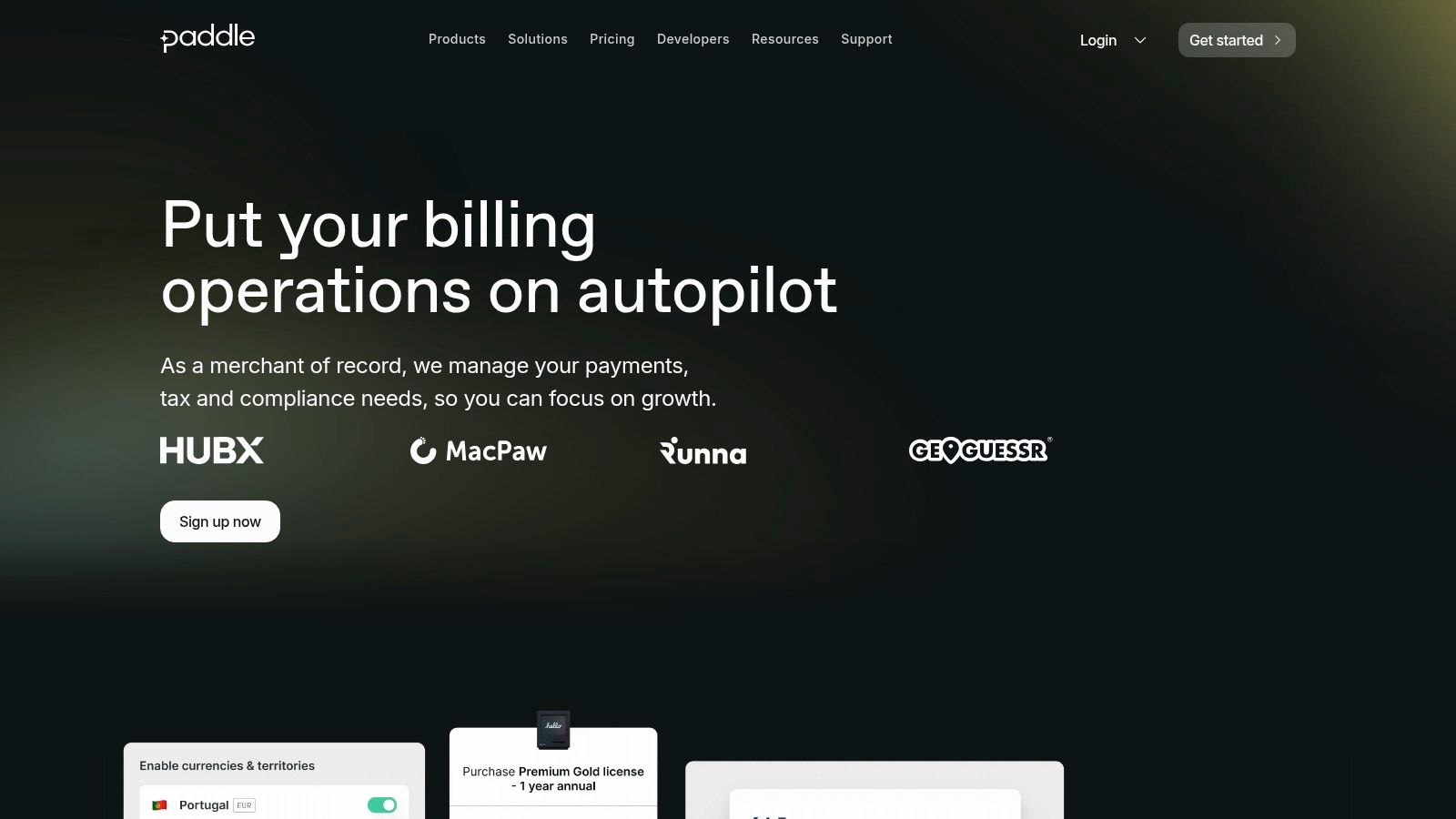
This MoR model is its key differentiator, making it ideal for software-as-a-service (SaaS) businesses selling to a global audience. By unifying payments, tax, and subscription management under one API, it streamlines backend operations significantly. This allows you to focus on product development rather than navigating complex international regulations. You can learn more at paddle.com.
Key Features & Pricing
- Monetization Models: One-time purchases and recurring subscriptions.
- Core Features: Global payments processing, automated cross-border sales tax compliance, sophisticated subscription management, fraud protection, and invoicing tools.
- Pricing: Paddle offers a pay-as-you-go model, charging a 5% + $0.50 fee per transaction. For higher volumes, custom pricing is available.
Use Case & Limitations
Paddle is built for businesses that have their own website and need a checkout solution to embed. It excels at handling recurring billing for SaaS products and complex B2B sales. However, it is not a website builder or a marketing platform. The implementation requires some technical know-how to integrate its checkout into your existing site, so it isn't a simple "plug-and-play" solution for non-technical beginners.
- Pros: Comprehensive MoR handles all tax and compliance, strong subscription management features, and pay-as-you-go pricing.
- Cons: Not a storefront or website builder, requires technical integration into your own site.
9. SendOwl
Best for: Creators who need a robust, secure delivery system to sell digital goods from their existing website or blog.
SendOwl is not a storefront builder but a powerful digital delivery engine that connects to your existing website. If you've already built a site on WordPress, Squarespace, or Shopify and just need a reliable way to sell and deliver digital files securely, SendOwl is one of the best platforms to sell digital products for this purpose. It handles payment processing integration and automated, secure file delivery after a purchase.
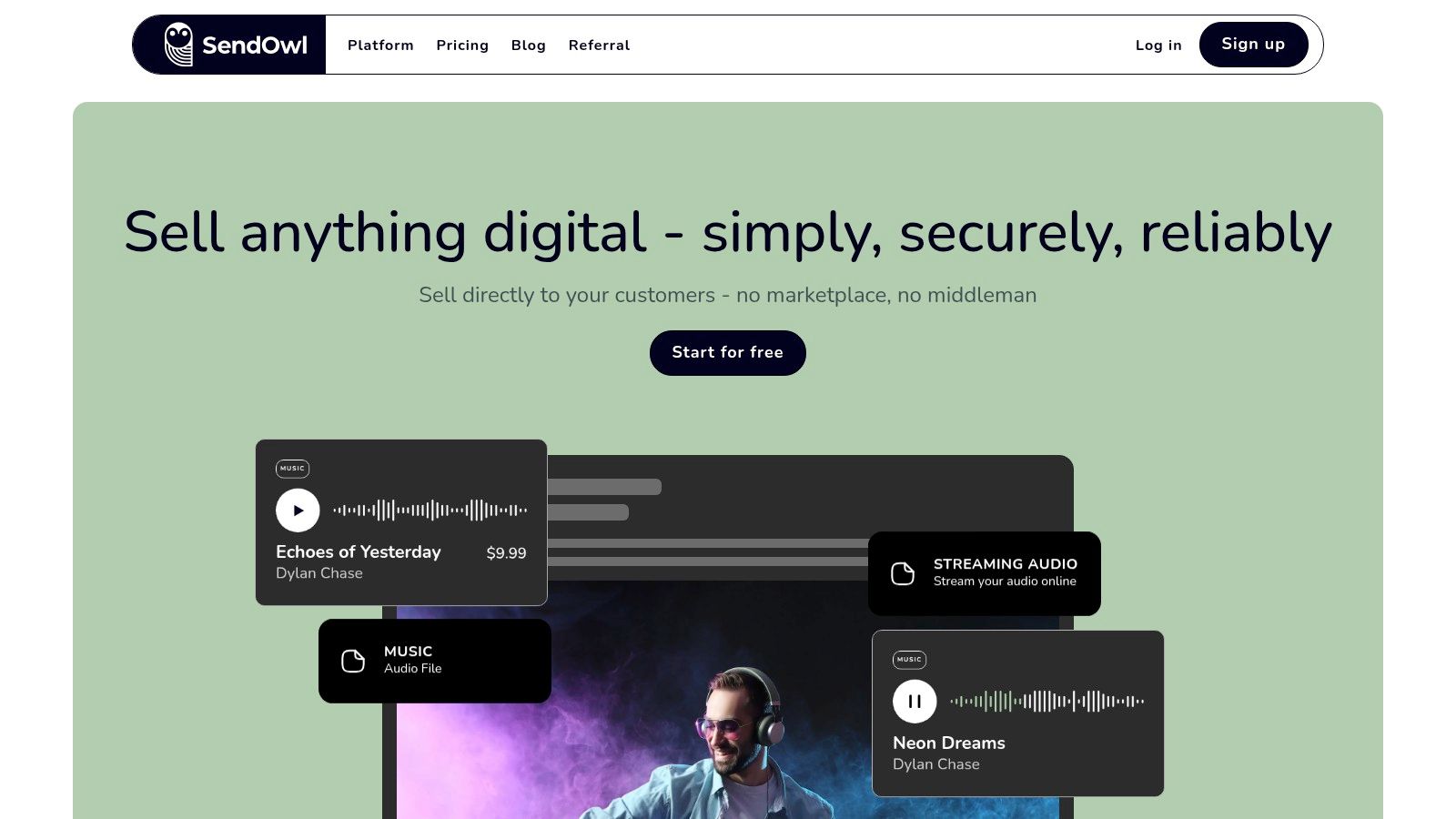
The platform's strength is its security features and marketing tools. It offers PDF stamping to discourage unauthorized sharing and time-limited download links. This focus on content protection makes it a strong choice for selling high-value assets like ebooks, software licenses, or comprehensive video courses. Visit their site to learn more at www.sendowl.com.
Key Features & Pricing
- Monetization Models: One-time purchases, subscriptions, and "pay what you want" pricing.
- Core Features: Secure digital delivery with PDF stamping, built-in affiliate management, a shopping cart with upsells, and cart abandonment features. It integrates with major payment gateways like Stripe and PayPal.
- Pricing: SendOwl uses a tiered subscription model based on features and storage, starting at $15/month for the Standard plan. Importantly, SendOwl does not charge a transaction fee on your sales, though standard payment processor fees still apply.
Use Case & Limitations
SendOwl is the perfect solution for established bloggers, coaches, or businesses that want to add digital product sales to a website they already control. Its marketing tools, like one-click upsells and affiliate management, can directly increase revenue. However, because it's not an all-in-one platform, you are responsible for building and maintaining your own website. The tiered plans also have storage and download limits, which can lead to overage fees if you have a sudden sales spike.
- Pros: Integrates with any existing website, strong content protection features, no transaction fees from SendOwl.
- Cons: Requires you to have your own website, subscription plans have limits on storage and features.
10. Podia
Best for: Creators who need an affordable, all-in-one platform for selling courses, memberships, and digital downloads without technical complexity.
Podia is designed to be the ultimate user-friendly platform for solo creators. If you want to sell a mix of digital products like courses, webinars, and community access from a single dashboard, Podia is one of the best platforms to sell digital products for its simplicity and affordability. It provides a hosted website, built-in email marketing, and a clean checkout process, removing the need to connect multiple tools.
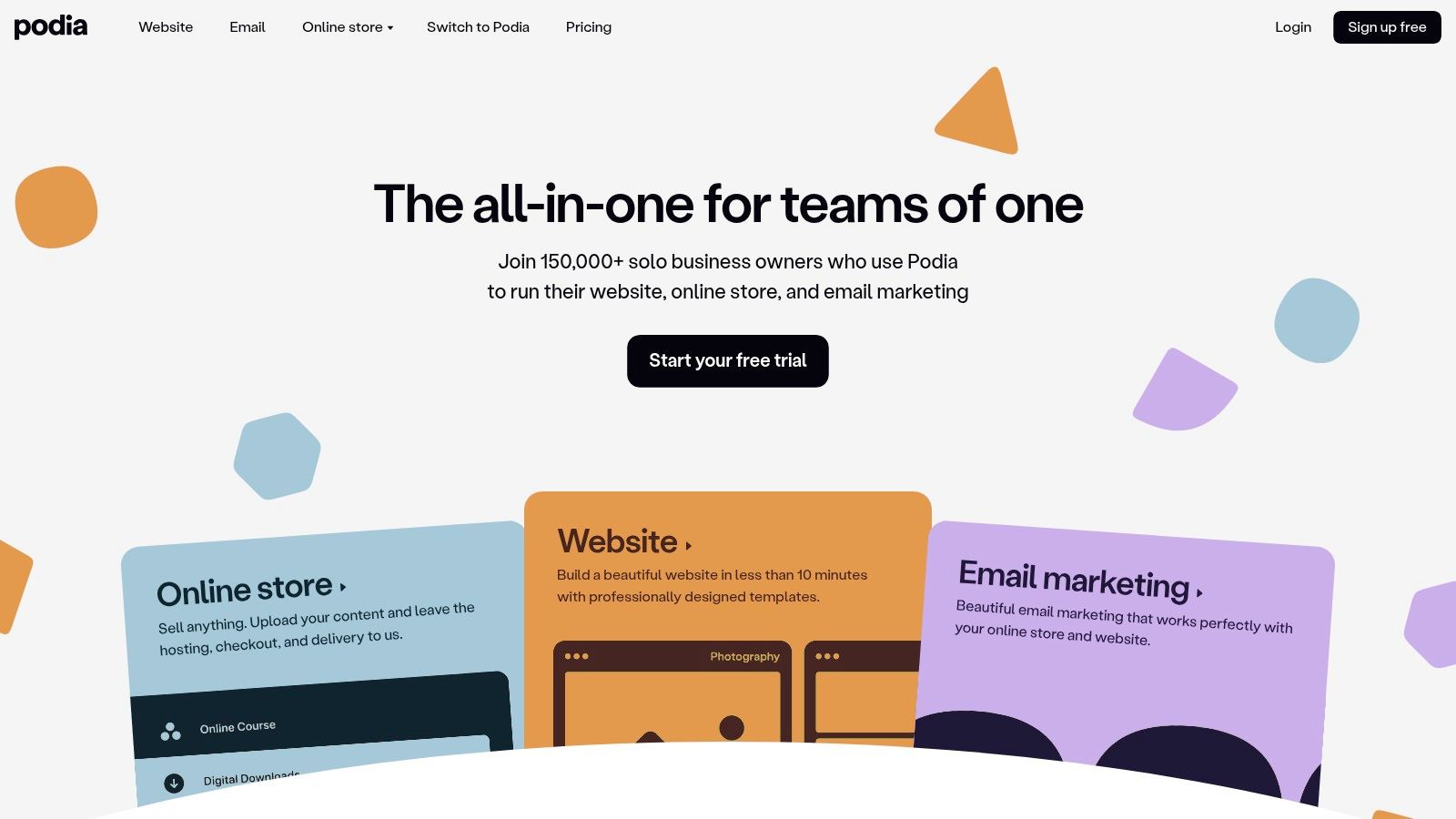
The platform's strength is its unified approach. Instead of managing a separate email provider, course platform, and website builder, Podia brings it all under one roof with a predictable monthly fee. This is especially valuable for creators who want to focus on content, not tech. While it handles multiple product types, it's particularly well-suited for building and managing a membership, which you can explore further by reviewing the best membership site platforms.
Key Features & Pricing
- Monetization Models: One-time downloads, online courses, coaching, webinars, bundles, and community memberships.
- Core Features: Hosted website and storefront, integrated email marketing, affiliate program management, coupons and upsells, and free migrations on paid plans.
- Pricing: Podia offers a Free plan (10% transaction fee), a Mover plan at $39/month (5% fee), and a Shaker plan at $89/month (0% fee).
Use Case & Limitations
Podia is ideal for creators launching their first online course or membership who want an uncomplicated, all-in-one solution. It's excellent for selling digital downloads alongside larger offerings. However, its simplicity comes with limitations. The website builder and course features are less powerful than dedicated platforms, and it lacks the advanced integrations of a system like Shopify or WooCommerce. The 5% fee on the Mover plan can also add up for high-volume sellers.
- Pros: Very easy to set up and use, all features included on paid plans with unlimited products, affordable entry-level pricing.
- Cons: Mover plan includes a 5% transaction fee, fewer advanced integrations compared to more specialized solutions.
11. Kajabi
Best for: Serious course creators and membership businesses who want a powerful, integrated all-in-one platform to run their entire online operation.
Kajabi is a premium, comprehensive solution designed to replace a dozen different tools. It's one of the best platforms to sell digital products if your business revolves around courses, coaching, or memberships and you need advanced features like marketing funnels and email automation under one roof. The platform is built for creators who are scaling and want to manage their entire ecosystem without connecting multiple services.
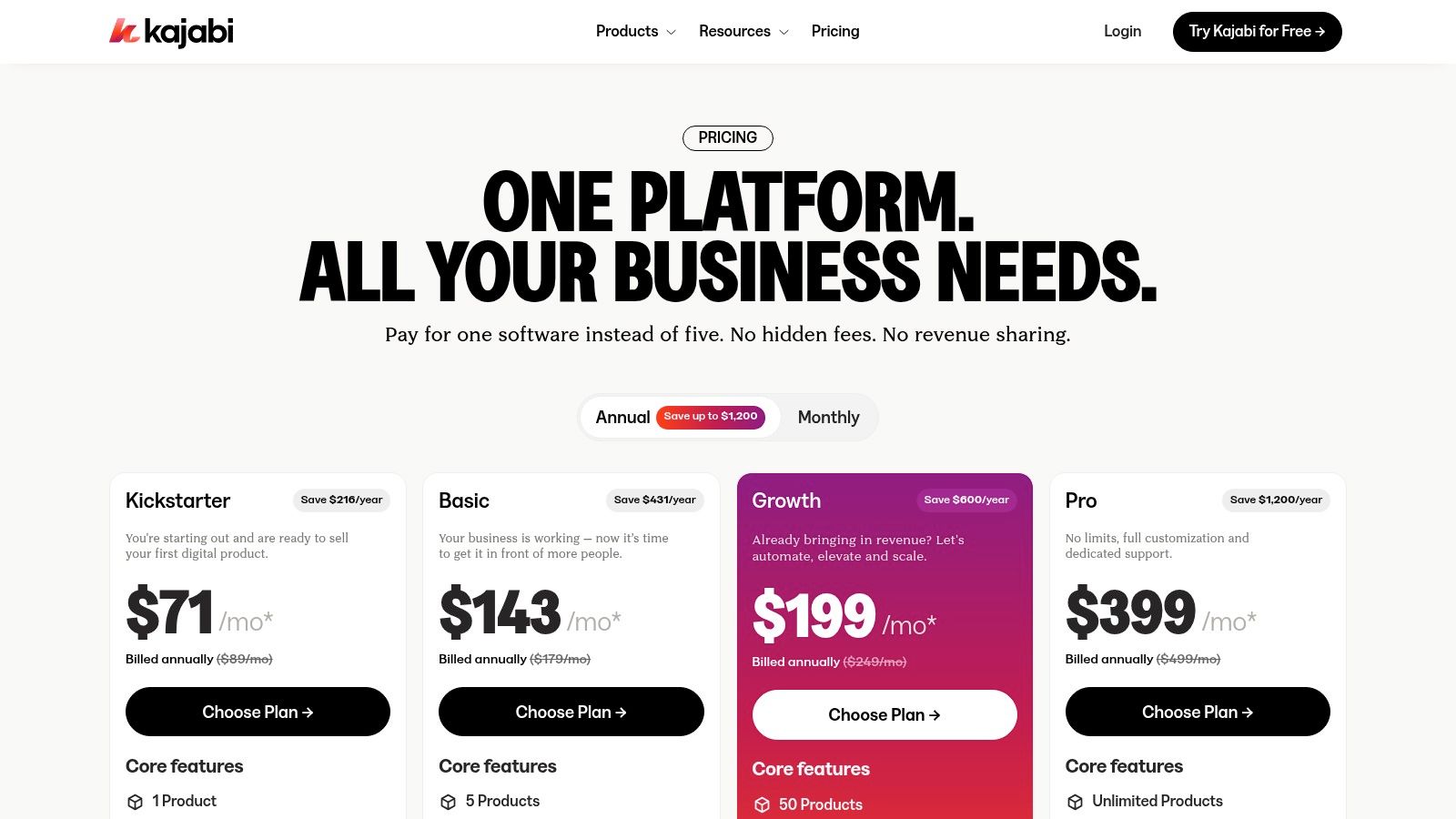
Kajabi’s strength lies in its deep integration. You can build a full website, create landing pages, run email marketing campaigns, and deliver your premium content without ever leaving the platform. This unified approach provides powerful analytics and automation, allowing you to trigger actions based on student progress or purchase history.
Key Features & Pricing
- Monetization Models: Courses, memberships, digital downloads, coaching programs, and private podcasts.
- Core Features: Robust course builder, website and landing page creator, built-in email marketing and automations, CRM, community forum, and a branded mobile app option.
- Pricing: Plans start at $149/month (or $119/month billed annually) for the Basic plan, which includes 3 products and 3 funnels. Higher-tier plans unlock more products, contacts, and features like an affiliate program. Find more details at Kajabi's pricing page.
Use Case & Limitations
Kajabi is the ideal choice for established experts and educators who need a single, reliable system to manage a sophisticated online business. It's perfect for selling high-ticket courses and building exclusive membership communities. However, the high monthly cost makes it a significant investment for beginners. The all-in-one nature also means that each individual tool (like the email marketing or page builder) may not be as feature-rich as a dedicated standalone alternative.
- Pros: Deeply integrated, all-in-one toolset, excellent for scaling a knowledge business, strong support and training.
- Cons: High monthly cost compared to other platforms, can be overkill for simple digital products.
12. Teachable
Best for: Course creators and educators who need robust course-building tools alongside options for selling digital downloads and coaching.
Teachable is a powerhouse in the online education space, making it one of the best platforms to sell digital products when those products are primarily courses. While it excels at course delivery, it also supports the sale of coaching services and one-off digital downloads like ebooks or templates, making it a versatile choice for educators diversifying their income.

The platform focuses on providing a professional, seamless experience for both the creator and the student. Its built-in marketing tools, such as upsells, affiliate programs, and order bumps, help creators maximize revenue without needing complex third-party integrations. For a deeper analysis of how it stacks up against alternatives, you can find more information in this online course platform comparison.
Key Features & Pricing
- Monetization Models: One-time purchases, payment plans, and subscriptions (subscriptions are not supported for digital downloads).
- Core Features: Drag-and-drop course builder, quizzes, completion certificates, and a fully functional student mobile app (iOS/Android). Teachable also handles global payments and sales tax.
- Pricing: The Builder plan (and higher) comes with 0% transaction fees. The entry-level Starter plan has a 7.5% transaction fee plus a monthly subscription fee.
Use Case & Limitations
Teachable is ideal for creators whose primary business is selling structured online courses but who also want to offer supplementary digital products. Its user experience for course creation and student engagement is top-notch. However, its functionality for selling standalone digital downloads is more basic compared to specialized platforms; for example, you cannot sell downloads via a subscription. The platform's strength is its course-centric ecosystem.
- Pros: Excellent course creation and student experience, 0% transaction fees on most plans, and dedicated mobile apps.
- Cons: Starter plan includes a 7.5% transaction fee, and subscription models are not available for digital downloads.
Top 12 Platforms to Sell Digital Products — Comparison
| Platform | Core features | UX / Quality (★) | Monetization & Pricing (💰) | Target audience (👥) | Unique selling points (✨) |
|---|---|---|---|---|---|
| Kampunity 🏆 | Threaded chat, multimedia courses, events, gamification, payments, landing pages | ★★★★☆ — engagement & analytics | 💰 Free (10% platform fee) or $99/mo per camp (1.5% fee) + Stripe | 👥 Course creators, coaches, community managers | ✨ All‑in‑one platform, granular access controls, customizable XP/levels |
| Gumroad | Hosted product pages, downloads, memberships, MoR tax handling | ★★★★☆ — simple, fast checkout | 💰 No monthly; 10% + $0.50 per sale (30% on Discover) | 👥 Indie creators, one‑off sellers | ✨ Merchant of Record, fastest launch flow |
| Shopify + Digital Downloads | Branded storefront, Digital Downloads app, checkout, apps & analytics | ★★★★☆ — professional storefront & scale | 💰 Monthly plans + app/integration costs; extra fees if not using Shopify Payments | 👥 Brands wanting full ecommerce & multi‑channel sales | ✨ Large app ecosystem, POS & multi‑channel support |
| WooCommerce (WordPress) | WP plugin, downloadable products, many gateway options | ★★★☆☆ — highly flexible but self‑managed | 💰 No platform fee; hosting, themes & plugin costs vary | 👥 Developers, owners wanting full control & data ownership | ✨ Total customization & ownership of data |
| Etsy (Digital Downloads) | Marketplace listings, instant delivery, shop tools, Etsy Payments | ★★★☆☆ — built‑in buyers but competitive | 💰 Listing + transaction fees; marketplace commissions | 👥 Creatives, designers seeking built‑in marketplace traffic | ✨ Massive buyer audience & marketplace trust |
| Payhip | Hosted store, courses, memberships, VAT/GST handling, marketing tools | ★★★★☆ — easy setup, instant payouts | 💰 Transparent plans; free/low tiers have per‑transaction fees | 👥 Solo creators & small teams | ✨ Automatic EU/UK VAT remittance, simple pricing |
| Lemon Squeezy | Merchant of Record, checkout, subscriptions, optional email marketing | ★★★★☆ — modern MoR & subscription tools | 💰 Per‑transaction pricing; scheduled payouts | 👥 SaaS/digital sellers wanting MoR simplicity | ✨ Offloads tax/billing; developer‑friendly API |
| Paddle | MoR for SaaS, recurring billing, tax compliance, invoicing | ★★★★☆ — enterprise‑grade billing & compliance | 💰 No monthly; pay‑as‑you‑go MoR fees | 👥 Software & B2B sellers with global tax needs | ✨ Enterprise MoR, fraud & invoice tools |
| SendOwl | Secure file delivery, subscriptions, upsells, affiliate mgmt | ★★★☆☆ — focused delivery & protection | 💰 Flat subscription plans (no per‑sale fees) but tier limits | 👥 Creators using own sites who need secure delivery | ✨ PDF stamping, delivery rules, strong content protection |
| Podia | Courses, downloads, memberships, coaching, hosted site & email | ★★★★☆ — very easy to set up | 💰 Affordable monthly plans; Mover plan 5% fee | 👥 Solo creators wanting simple all‑in‑one | ✨ Simple migrations, unlimited products on plans |
| Kajabi | Courses, memberships, funnels, email, community, mobile app options | ★★★★☆ — deep integrated, premium UX | 💰 Higher monthly cost (premium positioning) | 👥 Professional creators & businesses scaling revenue | ✨ Full funnel + community stack, strong support & training |
| Teachable | Courses, coaching, memberships, downloads, mobile student apps | ★★★★☆ — strong course UX & student apps | 💰 Varied plans; Starter 7.5% fee → higher tiers 0% fees | 👥 Course creators & educators | ✨ Mobile apps, robust checkout, built‑in affiliate tools |
Making Your Final Decision: Actionable Next Steps
Choosing from the best platforms to sell digital products comes down to one thing: finding the right fit for your specific business goals. There is no single "best" platform—only the one that aligns with your products, business model, and long-term vision.
Your choice should be driven by what you sell and how you plan to grow. A creator selling a single ebook has vastly different needs than one running a cohort-based coaching program. Trying to force a simple tool to handle complex needs leads to frustration, while overinvesting in a powerful platform you don't fully use drains your budget. The ideal solution is at the intersection of functionality, scalability, and price.
Your 3-Step Decision Framework
To avoid analysis paralysis and move forward with confidence, use this simple framework to make a clear choice.
Shortlist Your Top 3 Contenders: Review the "Ideal For" sections in this guide. Based on your primary business model (e.g., coach, course creator, template seller), select the two or three platforms that best match your profile. For example, a beginner selling templates might shortlist Gumroad, Payhip, and Etsy. An established educator might compare Kajabi, Teachable, and Kampunity.
Define Your Non-Negotiable Features: Create a simple checklist of "must-have" versus "nice-to-have" features. This forces you to prioritize what truly matters for your business. Your list might include:
- Must-Have: Built-in community, tiered memberships, direct payment processing, drip content for courses.
- Nice-to-Have: Affiliate marketing tools, advanced email automation, a mobile app. Compare this list against your shortlisted platforms. The right choice is often the one that fulfills all your "must-haves" without the cost and complexity of features you won't use for another year.
Map Out Your Customer's Journey: Think beyond the transaction. How will a customer discover you, purchase your product, consume the content, and interact with you or other members? Visualize this entire process. Does the platform create a seamless experience, or does it feel disjointed? An all-in-one platform like Podia or Kampunity might offer a smoother journey, while combining Shopify with a separate community tool might introduce friction.
Final Considerations Before You Commit
Once you have a front-runner, take one final pass to consider the practical details. Migration and integration are crucial. If you already have an audience on another platform, how easy is it to move them? Does the new platform integrate with your existing email service, like ConvertKit, or your WordPress site?
Finally, leverage free trials. There is no substitute for hands-on experience. Sign up for a trial and perform a core task. Try building a landing page, uploading a sample lesson, or setting up a payment plan. This real-world test will reveal more about a platform's usability and limitations than any review ever could. Your choice is a foundational decision for your business, so invest the time to choose wisely, then commit and start building.
Ready to unify your courses, community, and digital products in one seamless space? See how Kampunity provides the integrated tools you need to create a thriving learning environment and build a sustainable business. Explore Kampunity today and discover the power of a true all-in-one platform designed for modern creators.