

The 12 Best Learning Management Systems for Small Business (2025 Guide)

Table of Contents
- 1. Kampunity
- 2. TalentLMS
- 3. Thinkific
- 4. Teachable
- 5. LearnWorlds
- 6. LearnDash
- 7. iSpring LMS (iSpring Learn)
- 8. MoodleCloud
- 9. 360Learning
- 10. Tovuti LMS
- 11. G2 (LMS — Small Business category)
- 12. Capterra (Learning Management System directory)
- Top 12 Small-Business LMS: Features & Pricing
- Ready to Launch Your Learning Program?
Finding the right Learning Management System (LMS) for your small business can feel overwhelming. You need a tool that's affordable, easy to use, and powerful enough to train your team or sell your courses, all without requiring a dedicated IT department to manage it. The market is crowded with options, each claiming to be the best, making it difficult to know where to even start your search.
This guide cuts through the noise. We provide a practical, no-fluff breakdown of the top platforms specifically suited for small businesses. We've done the heavy lifting to help you avoid analysis paralysis and find a solution that fits your budget and goals. This isn't just another list of features; it's a resource designed to help you make an informed decision quickly and confidently.
Inside this comprehensive roundup, you will find:
- Detailed reviews of the 12 best learning management systems for small business, including dedicated platforms and trusted review directories.
- Actionable pros and cons based on real-world use cases, not just marketing copy.
- Clear pricing breakdowns to help you understand the true cost and avoid hidden fees.
- Honest assessments of who each platform is truly best for, from internal team training to selling online courses.
Each review includes screenshots and direct links, so you can see the platform in action and explore it for yourself. Our goal is simple: to give you the clarity needed to choose the right LMS and get back to what you do best, running your business. Let's dive in.
1. Kampunity
Kampunity is an all-in-one platform for small businesses that want to build a learning program and an active community in one place. It combines a course platform, chat channels, event management, and payment processing into a single tool. This integrated approach is its main strength, making it one of the best learning management systems for small businesses aiming to create an interactive learning environment without juggling multiple software subscriptions.
Why It's Our Top Pick
Kampunity is built to turn passive course-takers into active community members. The platform achieves this by seamlessly integrating threaded chat channels, multimedia lessons, and event management. This creates a unified user experience that encourages participation and helps members connect with each other and the material.
Its built-in gamification system, featuring experience points (XP), levels, and badges, is particularly effective. For example, you can set it up to automatically award XP for completing a lesson or posting in a discussion, providing clear incentives that keep members motivated.
Standout Features & Practical Use Cases
- Integrated Monetization: The platform simplifies selling courses and memberships. You can offer one-time purchases, recurring subscriptions with free trials, and tiered access levels. Each course automatically generates a conversion-optimized landing page, a critical feature for small businesses focused on growth.
- Engagement-Focused Gamification: Beyond simple quizzes, you can create a dynamic learning journey. For example, a business coach could use the level system to gate access to advanced mastermind sessions, requiring members to first complete foundational courses and participate in community discussions.
- Robust Event Management: The built-in event tool is a significant advantage. It supports in-person and virtual events (Zoom/Google Meet), features color-coded calendars, and sends automated email reminders. This is ideal for hosting live Q&A sessions, cohort-based program workshops, or member-only networking events directly within the learning environment.
- Granular Community Controls: As your community grows, moderation becomes key. Kampunity provides advanced tools to manage this, including public, private, and course-exclusive channels, along with sophisticated thread management to keep conversations organized and safe.
Pricing and Access
Kampunity offers a transparent pricing model suitable for businesses at different stages.
- Free Plan: Start with no monthly cost and pay a 10% platform fee on transactions.
- Paid Plan: $99/month per camp plus a reduced 1.5% platform fee. (Note: Standard Stripe processing fees apply to all transactions on both plans).
The platform provides a clear break-even example, suggesting the paid plan becomes more cost-effective around $1,165 in monthly recurring revenue.
Pros & Cons
Pros:
- All-in-One Solution: Combines an LMS, community chat, event management, and payments, reducing costs and complexity.
- Deep Engagement Tools: Gamification features like XP, levels, and badges are built-in to drive learner motivation.
- Flexible Monetization: Supports various payment models and provides landing pages for each course.
- Excellent Admin Controls: Strong moderation and channel management tools to maintain a healthy community.
Cons:
- Transaction Fees: The platform fees, especially on the free plan, can affect profit margins for businesses with low-priced offerings.
- Limited Third-Party Integrations: The platform focuses on its native, all-in-one feature set and lists few public integrations, which could be a limitation for users needing deep connections to external enterprise software.
Best for: Course creators, coaches, and membership businesses who want to build a highly engaged, paid learning community without the headache of managing multiple software tools.
Website: https://www.kampunity.com
2. TalentLMS
TalentLMS is one of the best learning management systems for small businesses that need a user-friendly platform for employee training. It balances powerful features with a simple interface, allowing you to launch training programs in hours, not weeks. Its straightforward setup means you won't need a dedicated IT person to get started.
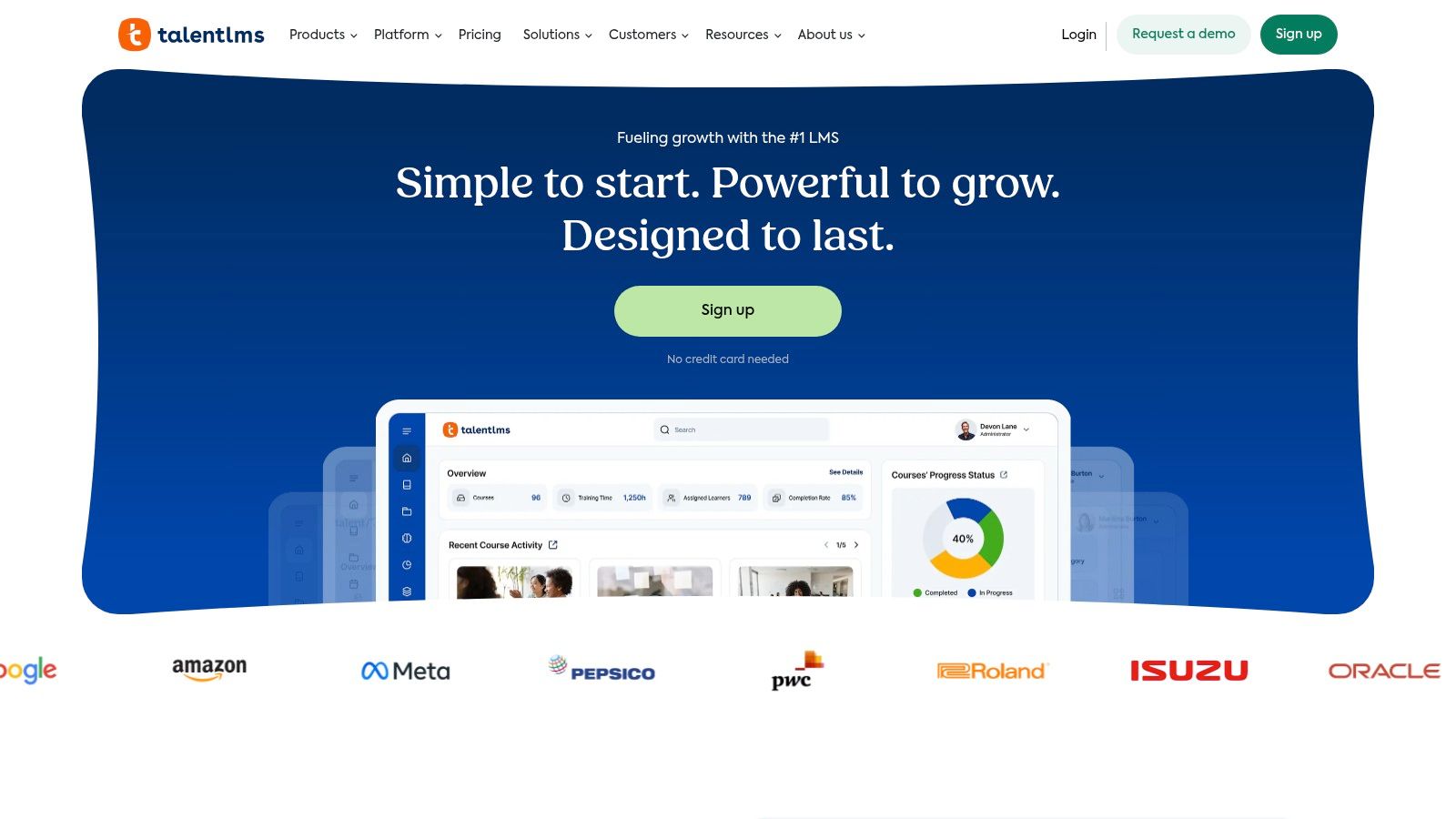
The platform supports unlimited courses, SCORM/xAPI content, and lets you organize users into different "branches" for targeted training. For example, a small retailer could create one branch for its sales team with customer service training and another for its warehouse staff with safety procedure courses, delivering unique onboarding materials to each group.
Pricing and Key Features
TalentLMS offers a free plan for up to 5 users and 10 courses, making it ideal for testing or for very small teams. Paid plans start at $69/month (billed yearly) and scale based on either registered users or active users, providing flexibility. Higher tiers unlock advanced customization, single sign-on (SSO), and automation.
| Feature Highlights | Details |
|---|---|
| Ease of Use | Simple, clean interface requires minimal training for admins and learners. |
| Content Tools | Includes basic course authoring and the optional TalentCraft AI content creator. |
| Pre-made Courses | Optional TalentLibrary add-on provides a catalog of ready-to-use business courses. |
| Scalability | Active user pricing is cost-effective if you have many occasional learners. |
Pros and Cons
- Pros: Transparent pricing with a generous free tier. The setup is fast, and the administration is lightweight, perfect for SMBs without large HR teams. The flexible active-user pricing model supports growth efficiently.
- Cons: The built-in course authoring tools are basic compared to dedicated software like Articulate Storyline. Advanced branding and in-depth analytics are reserved for more expensive plans.
Visit their website at https://www.talentlms.com.
3. Thinkific
Thinkific is built for entrepreneurs and small businesses aiming to create, market, and sell online courses. While it can be used for internal training, its true strength is its e-commerce toolset, making it one of the best learning management systems for small businesses focused on generating revenue from their knowledge. It provides an all-in-one solution for building a profitable education business.
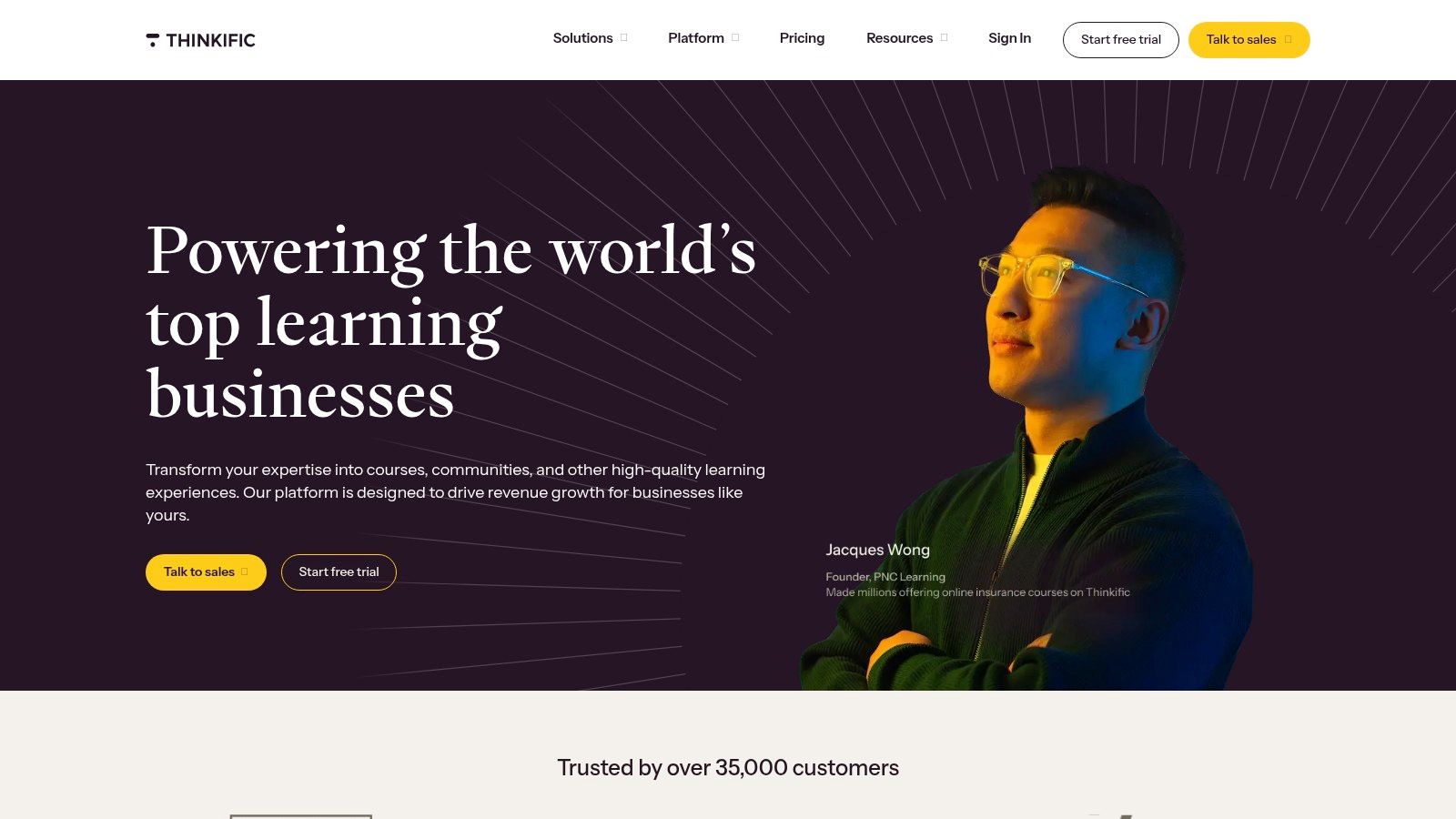
The platform offers a user-friendly course builder that supports quizzes, assignments, and certificates. You can also foster engagement through built-in communities and live events via a Zoom integration. Its powerful commerce engine lets you create bundles, offer subscriptions, and use marketing tools like coupons, order bumps, and upsells to maximize revenue. For a deeper analysis, you can learn more about how Thinkific stacks up in an online course platform comparison.
Pricing and Key Features
Thinkific offers a free plan to build one course for unlimited students, perfect for testing your course idea. Paid plans start at $36/month (billed annually) and unlock more courses, live lessons, and advanced customization. Higher-tier plans add features like assignments, API access, and more robust community tools.
| Feature Highlights | Details |
|---|---|
| Monetization Tools | Extensive e-commerce features including subscriptions, bundles, and upsells. |
| Course Builder | Intuitive drag-and-drop interface with support for rich media, quizzes, and surveys. |
| Community Features | Integrated communities and live lesson capabilities to boost learner engagement. |
| Creator Workflow | Designed specifically for course creators, making the launch process fast and simple. |
Pros and Cons
- Pros: Excellent e-commerce and sales tools are built directly into the platform. The creator workflow is intuitive, allowing for a quick launch, and strong support is available on higher plans.
- Cons: Advanced analytics and API access are reserved for more expensive plans, which can be a limitation for data-driven businesses. Using third-party payment gateways can incur additional transaction fees if you opt out of Thinkific Payments.
Visit their website at https://www.thinkific.com.
4. Teachable
Teachable is an all-in-one platform designed for creators who want to build and sell online courses and coaching products. It combines a learning management system with powerful e-commerce tools, handling everything from course creation and hosting to payment processing and tax compliance. This makes it one of the best learning management systems for small businesses that want to sell their expertise without technical hurdles.
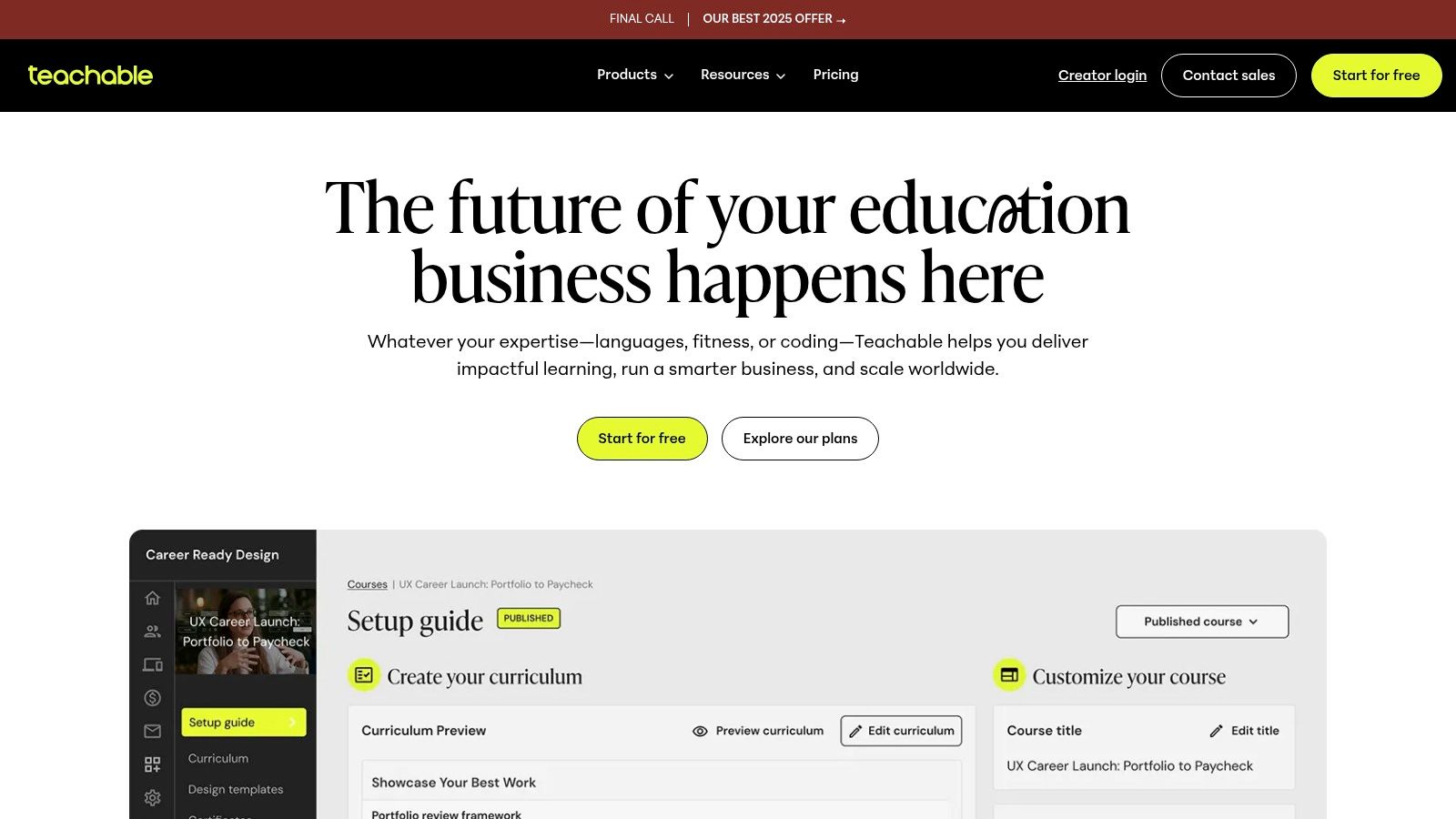
The platform features a drag-and-drop course builder with AI assistance, native community spaces, and even dedicated mobile apps for students on iOS and Android. For a small business, this means you can offer a professional, branded learning experience from day one. You can package your content as a standalone course, a recurring membership, or a digital download, giving you flexibility in your business model.
Pricing and Key Features
Teachable offers a free plan with high transaction fees (10% + $1), ideal for testing the platform. Paid plans start at $39/month (billed annually) and reduce or eliminate transaction fees while unlocking more features. Higher-tier plans add affiliate marketing, advanced customization, and more published products.
| Feature Highlights | Details |
|---|---|
| E-commerce Engine | Built-in payment processing, tax handling, cart upsells, and order bumps. |
| Course Builder | Drag-and-drop interface with quizzes, certificates, and content dripping. |
| Student Experience | Includes built-in communities, memberships, and dedicated mobile apps. |
| Monetization Tools | Supports affiliates, coupons, payment plans, and various product types. |
Pros and Cons
- Pros: Fast setup with integrated payment and tax infrastructure, simplifying sales. The 0% platform transaction fee on the Business plan and above is excellent for scaling. It is one of the top tools for creating online courses for non-technical users.
- Cons: The free and basic plans have high transaction fees. The number of published courses and other products is limited on lower-tier plans, which may require an upgrade as your business grows.
Visit their website at https://www.teachable.com.
5. LearnWorlds
LearnWorlds is an all-in-one course platform that excels at creating interactive learning experiences, making it one of the best learning management systems for small businesses focused on customer education or selling professional courses. It moves beyond standard video lessons by offering a powerful website builder and advanced assessment tools, allowing you to build a full-fledged online school. The platform is particularly strong in its interactive video capabilities, letting you add quizzes, buttons, and pop-ups directly into your video content.
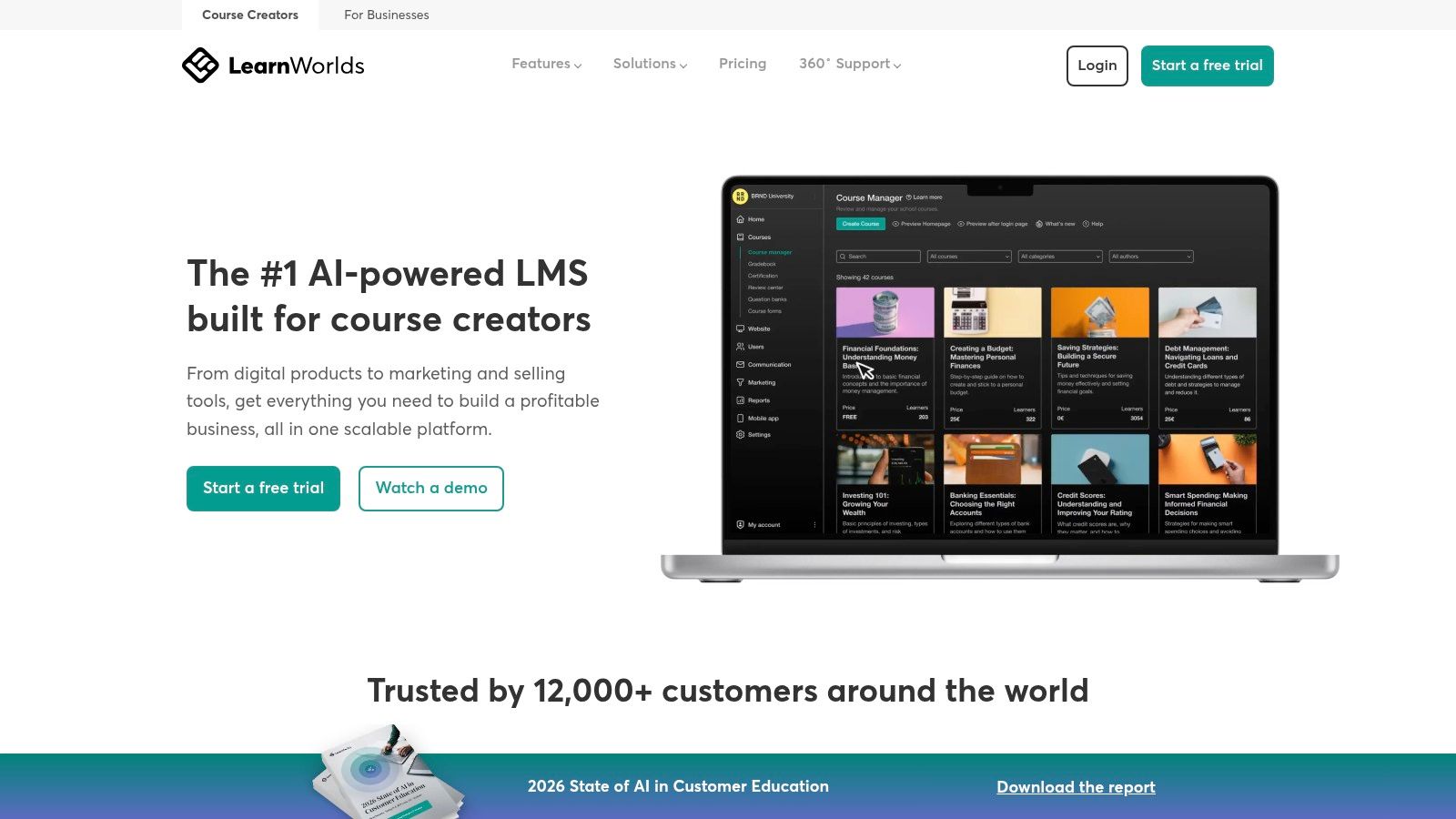
This focus on engagement is key for businesses training external users, like customers or partners, where holding attention is critical. For instance, a software company could use LearnWorlds' interactive videos to create tutorials that not only show but also quiz users on new features, ensuring comprehension. For more insights into creating such effective training, explore how to start designing learning experiences.
Pricing and Key Features
LearnWorlds offers a 30-day free trial, with paid plans starting at $24/month (billed annually). The entry-level "Starter" plan charges a $5 fee per course sale, which is removed on higher tiers. Plans scale with features like subscriptions, affiliate management, and advanced integrations (including SCORM support on the Learning Center plan and above).
| Feature Highlights | Details |
|---|---|
| Interactivity Tools | Interactive video, advanced quizzes, assignments, and integrated note-taking. |
| Website Builder | Create a complete, branded website for your online school with various templates. |
| Live Sessions | Integrates with Zoom, Webex, and Google Meet for blended learning. |
| Monetization | Robust e-commerce features, including coupons, bundles, and subscriptions. |
Pros and Cons
- Pros: Excellent learner engagement features, particularly interactive video. The integrated website builder provides strong branding control without needing another platform. There are no platform transaction fees on most plans.
- Cons: The starter plan's per-course sale fee and feature limitations can be restrictive. Some of the most valuable features, like advanced reporting and automations, are reserved for the more expensive plans.
Visit their website at https://www.learnworlds.com.
6. LearnDash
LearnDash is one of the best learning management systems for small businesses that already use WordPress. As a plugin, LearnDash transforms your WordPress site into a full-featured online learning hub, giving you complete ownership and control over your training environment and user data. It's an ideal choice for businesses wanting to build a training program that is deeply integrated with their main website.
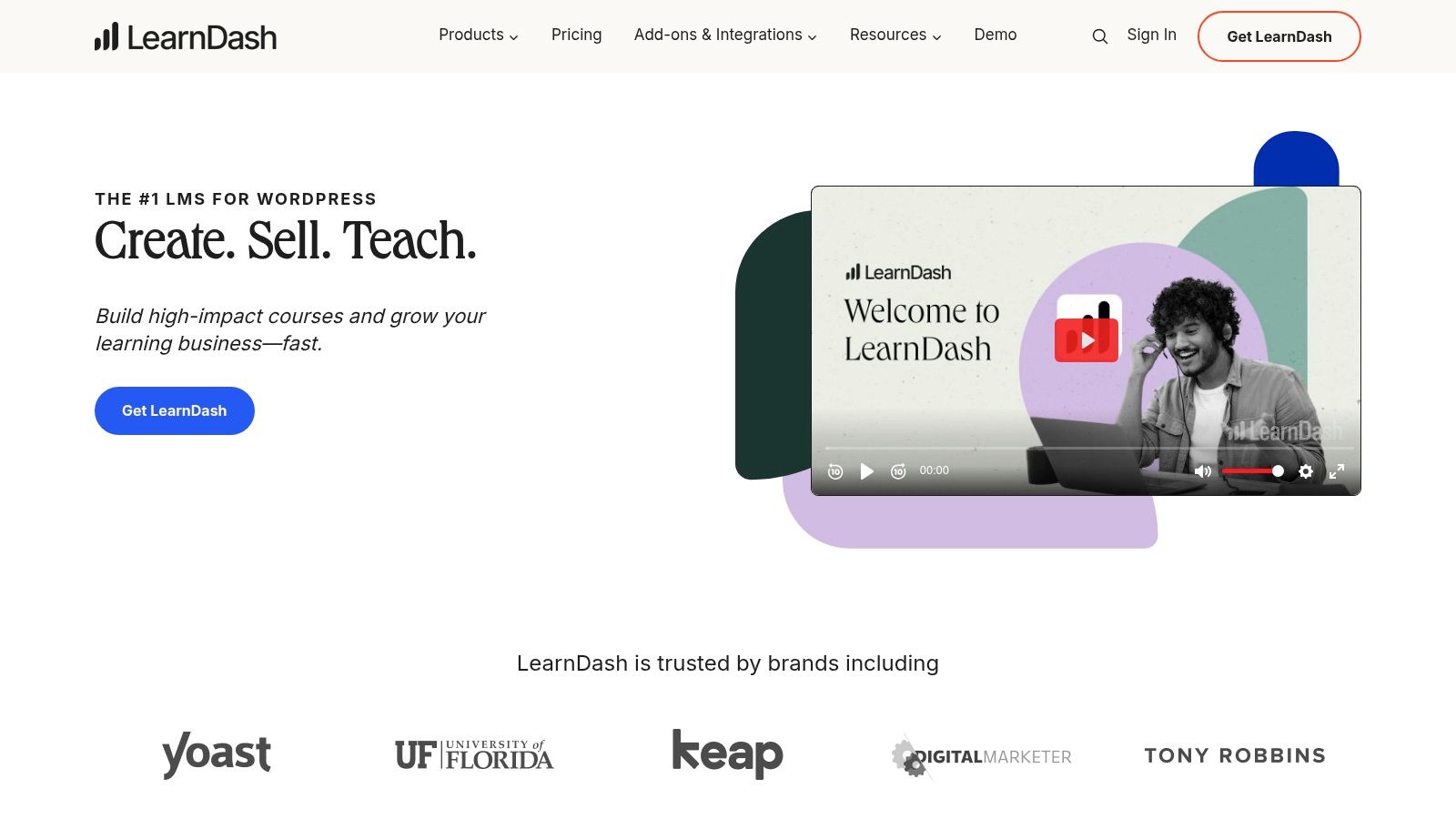
This plugin approach allows for unparalleled customization through thousands of third-party themes and plugins. For instance, you can integrate it seamlessly with WooCommerce to sell courses, or connect it to a membership plugin like MemberPress to create subscription-based training programs. For those who prefer a hands-off approach, the optional LearnDash Cloud offers a fully hosted and pre-configured WordPress environment.
Pricing and Key Features
LearnDash is sold as an annual plugin license, starting at $199/year for a single site. This predictable, flat-fee model is very cost-effective for businesses with a large number of users, as there are no per-user fees. The LearnDash Cloud hosting option starts at $29/month and includes the plugin.
| Feature Highlights | Details |
|---|---|
| WordPress Integration | Operates directly within your WordPress site for full control and branding consistency. |
| Course Builder | Features a powerful drag-and-drop builder for creating courses, lessons, and quizzes. |
| Monetization Tools | Extensive options for selling courses, including one-time purchases, subscriptions, and bundles. |
| Extensibility | Huge ecosystem of free and paid add-ons to add functionality like gamification or advanced reporting. |
Pros and Cons
- Pros: Total ownership of your platform and content. Predictable, flat-rate pricing is highly scalable. The extensive customization options available through the WordPress ecosystem are unmatched.
- Cons: Requires managing a WordPress installation (hosting, updates, security), unless you opt for the pricier LearnDash Cloud plan. Advanced features often rely on purchasing and configuring third-party add-ons.
Visit their website at https://www.learndash.com.
7. iSpring LMS (iSpring Learn)
iSpring Learn is a corporate-grade learning management system that is well-suited for small businesses focused on compliance, onboarding, and performance tracking. Its greatest strength is its seamless integration with the iSpring Suite authoring tools, allowing you to create high-quality, interactive courses and easily deploy them. The platform is robust enough to handle detailed compliance tracking and structured training paths.
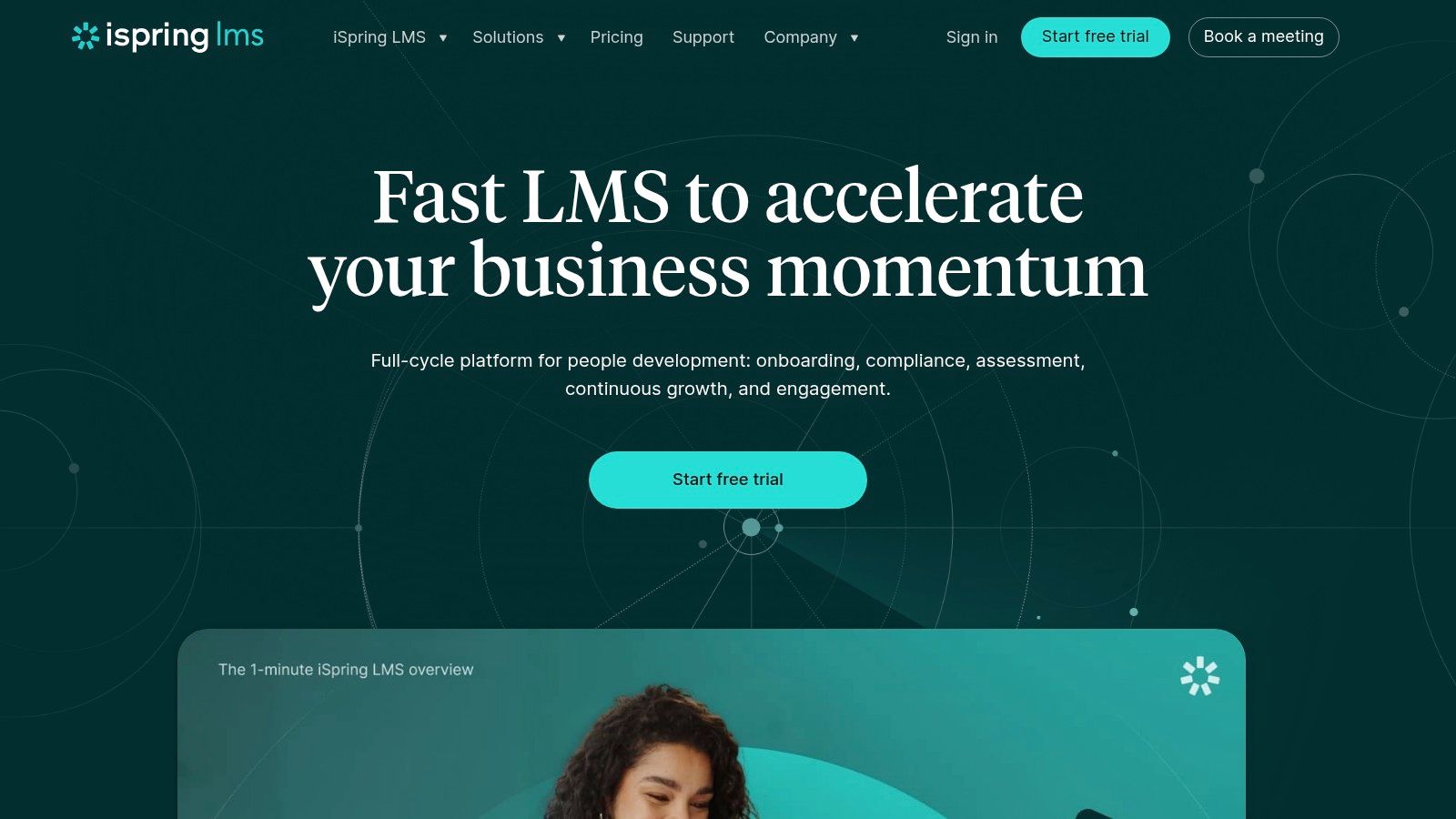
The system is designed for practical, on-the-job training. For example, a small manufacturing business could use iSpring Learn's mobile app to deliver safety training directly to the factory floor, with offline access ensuring learning is never interrupted. Higher-tier plans add valuable performance appraisal and 360-degree feedback tools, integrating employee development directly into the learning experience.
Pricing and Key Features
iSpring Learn's pricing is based on the number of active users per month, starting at $2.99 per user for 300 users when billed annually. Smaller teams will need to contact sales for a custom quote, as pricing varies by volume. Plans are tiered, with advanced features like 360° feedback and API access reserved for the Business and Enterprise plans.
| Feature Highlights | Details |
|---|---|
| Active-User Billing | Cost-effective model that only charges for employees who log in during a billing cycle. |
| Mobile Learning | Native iOS and Android apps support offline course completion and progress syncing. |
| Performance Tools | Includes 360° feedback and performance appraisals to link training with career growth. |
| Advanced Reporting | Offers detailed, schedulable reports to track compliance and training effectiveness. |
Pros and Cons
- Pros: The active-user billing is great for scaling SMBs with fluctuating training needs. It offers strong features for compliance and on-the-job training, and its 24/7 live technical support is a major plus for small teams without dedicated IT.
- Cons: Pricing is not transparent for very small teams and often requires contacting sales. The best rates are tied to annual upfront commitments, which can be a significant initial investment.
Visit their website at https://www.ispring.com.
8. MoodleCloud
MoodleCloud offers a streamlined entry into the world's most popular open-source learning platform, Moodle. It provides fully managed hosting directly from Moodle HQ, making it an excellent choice for budget-conscious small businesses that want the power of Moodle without the complexity of self-hosting. This makes it one of the best learning management systems for small business teams seeking a reliable, low-maintenance solution.
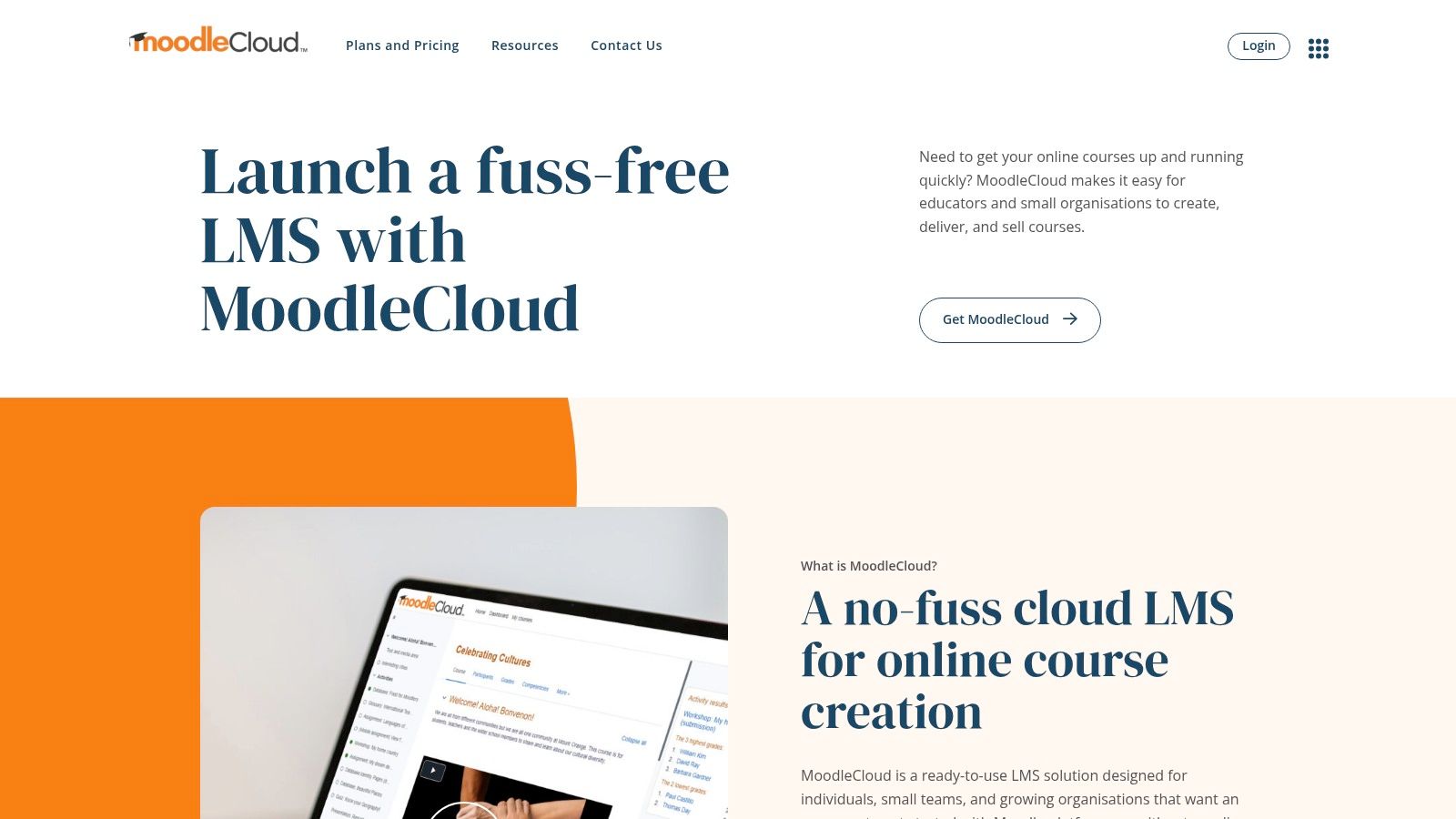
The platform handles all technical setup and maintenance, including automatic updates, ensuring your LMS is always secure and running the latest version. It includes integrated video conferencing for live virtual classes and provides premium access to the Moodle App for a seamless mobile experience. For a small consultancy, this means you can easily run live workshops and provide on-the-go training materials to clients.
Pricing and Key Features
MoodleCloud's pricing is transparent and based on user count and storage, starting at around $120 USD/year for up to 50 users. A 28-day free trial is available for the Starter plan, allowing you to thoroughly test the platform. All plans are billed annually. As your business scales, you can easily upgrade to plans that support thousands of users.
| Feature Highlights | Details |
|---|---|
| Managed Hosting | No server maintenance needed; Moodle HQ handles all updates and security. |
| Live Classes | Integrated BigBlueButton provides web conferencing for virtual classrooms. |
| Mobile Access | Includes Moodle App Premium for an enhanced mobile learning experience. |
| Scalability | Clear upgrade paths are available to support growing user numbers and storage needs. |
Pros and Cons
- Pros: Very affordable and predictable annual pricing. Provides the familiar, robust Moodle feature set without technical overhead. The free trial is a great way to evaluate the service.
- Cons: Standard plans do not allow third-party plugin installation, limiting customization compared to a self-hosted Moodle instance. Billing is exclusively annual, which may not suit all small business budgets.
Visit their website at https://www.moodlecloud.com.
9. 360Learning
360Learning is a collaborative learning platform that enables small businesses to create, share, and improve courses as a team. It stands out by treating learning as a team-wide effort, turning internal subject-matter experts into content creators. This approach makes it one of the best learning management systems for small businesses that want to build a culture of continuous, peer-driven training.
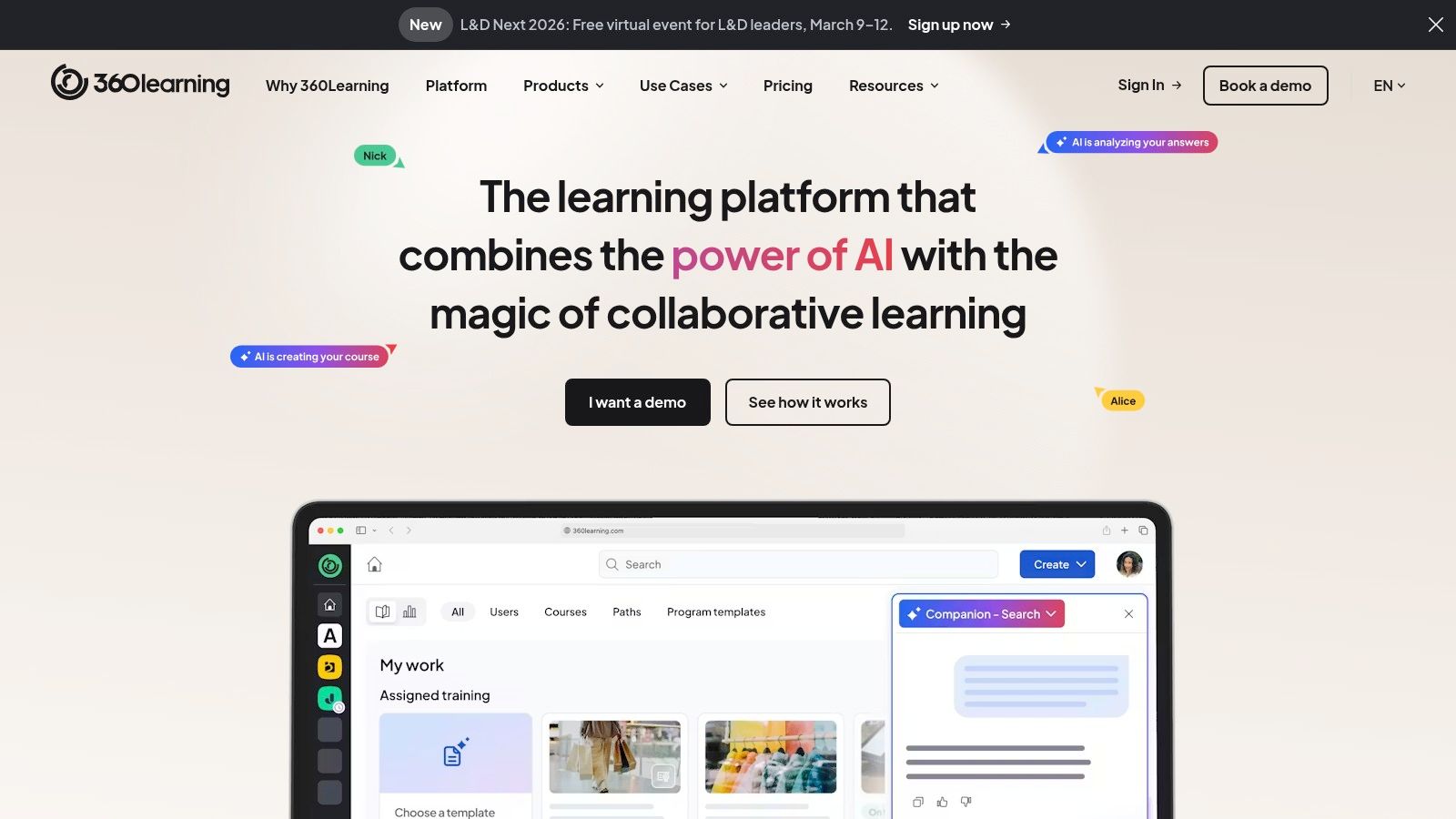
The platform is designed around collaborative authoring tools and feedback loops, allowing employees to quickly suggest edits, ask questions, and share knowledge directly within a course. For a growing startup, this means a new sales playbook can be co-authored by top performers and instantly updated based on real-world feedback, keeping training relevant and highly effective.
Pricing and Key Features
360Learning offers a "Team" plan specifically for up to 100 users, with pricing available upon request via a demo. This plan provides the core collaborative features needed to get started. More advanced Business and Enterprise plans unlock features like advanced integrations, automation, and more in-depth analytics for companies ready to scale their learning programs.
| Feature Highlights | Details |
|---|---|
| Collaborative Authoring | In-built tools allow multiple team members to co-create and give feedback on courses. |
| Peer Learning | Features like discussion forums and reactions encourage social interaction and knowledge sharing. |
| Learning Paths | Group courses into structured programs for onboarding, role-specific training, or skill development. |
| Mobile-Friendly | Fully responsive platform ensures learners can access training on any device, anytime. |
Pros and Cons
- Pros: Excellent for building a culture of collaborative learning and capturing internal expertise. The setup is fast for small teams, and its core workflow is intuitive. The platform scales well as your business grows into larger plans.
- Cons: Public pricing is not readily available for all tiers, requiring a demo or sales call. Key integrations like HRIS or SSO are typically reserved for the more expensive Business and Enterprise plans.
Visit their website at https://360learning.com.
10. Tovuti LMS
Tovuti LMS is a feature-rich platform designed for businesses that need deep customization and robust e-commerce capabilities. It goes beyond standard employee training, providing the tools to build, market, and sell courses to external audiences. This makes it one of the best learning management systems for small businesses that see training as a revenue stream, not just an internal cost.
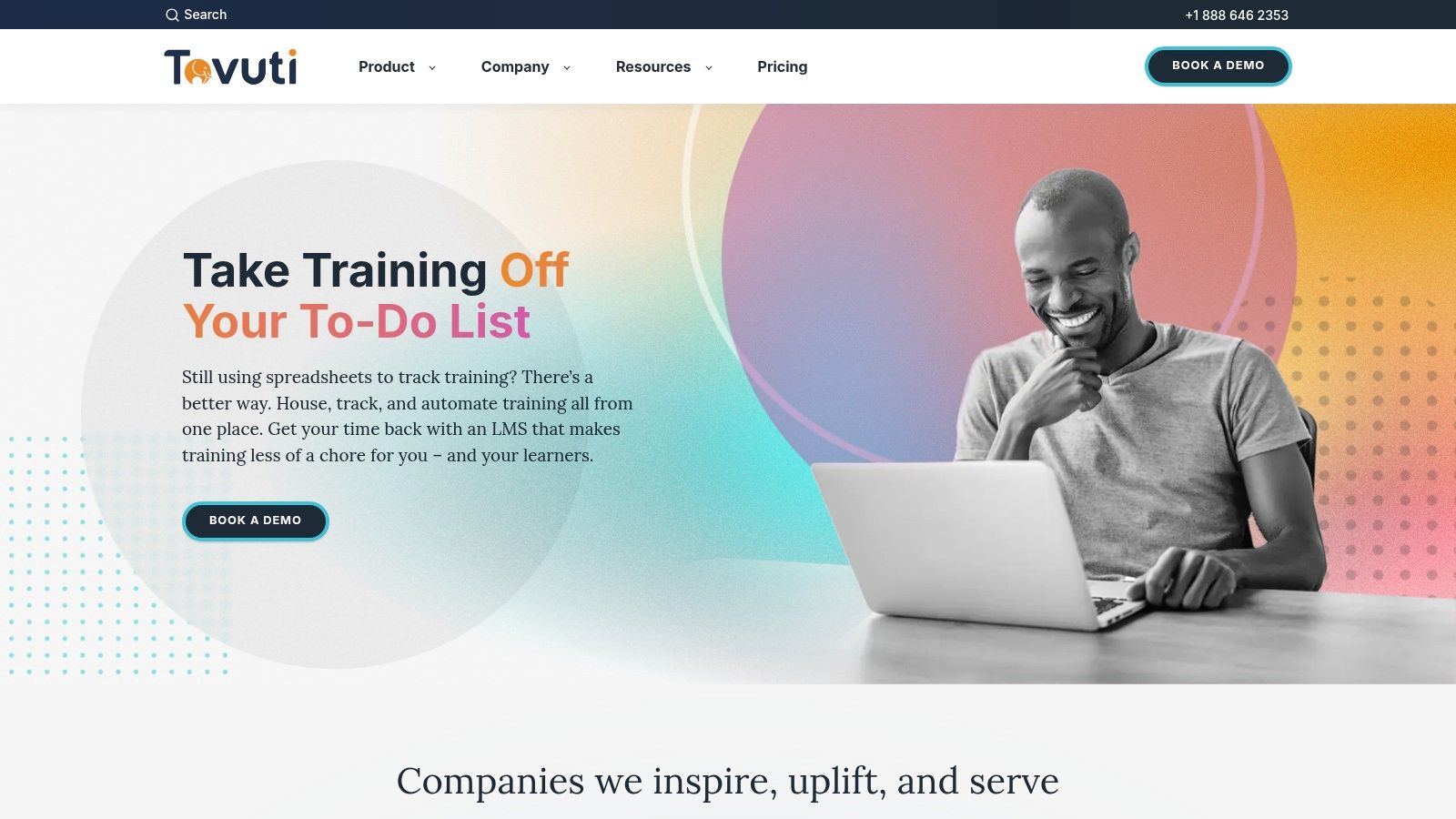
The platform is highly configurable, allowing you to create unique learner portals, interactive content, and personalized learning paths. For a coaching business, this could mean setting up tiered membership subscriptions with automated course enrollments and special discounts, all managed within Tovuti. Its powerful reporting tracks both learning progress and sales data in one place.
Pricing and Key Features
Tovuti LMS pricing is primarily quote-based and tailored to specific business needs, so you will need to schedule a demo for exact figures. This approach ensures you get a plan that fits your user count and feature requirements, starting with a core set of functionalities and scaling up to enterprise-level tools.
| Feature Highlights | Details |
|---|---|
| Built-in Ecommerce | Manages coupons, payment plans, subscriptions, and multi-currency transactions. |
| Interactive Content | Supports over 40 content types, including gamification, to create engaging lessons. |
| Customization | Offers extensive branding and configuration options for learner portals and courses. |
| Reporting & Analytics | Provides detailed reports on both learner engagement and course sales performance. |
Pros and Cons
- Pros: Exceptional e-commerce engine for monetizing training content. Highly flexible and configurable learning experiences. The support team and help center are frequently praised for being responsive.
- Cons: The depth of features can create a steeper learning curve for new administrators. Pricing is not transparent and generally requires a sales call or demo to obtain.
Visit their website at https://www.tovutilms.com.
11. G2 (LMS — Small Business category)
While not an LMS itself, G2 is an essential research tool that belongs in your selection process. It allows you to find, compare, and get feedback on the best learning management systems from your peers. Instead of visiting dozens of vendor websites, you can use G2’s dedicated Small Business LMS category to filter platforms by company size, user satisfaction, and key features.
This resource is invaluable for creating a shortlist. You can read hundreds of verified reviews from real users, which often highlight practical implementation details and customer support experiences you won’t find in marketing materials. Its side-by-side comparison tool makes it easy to see how platforms stack up on specific criteria like course authoring or reporting.
Pricing and Key Features
G2 is free to use for buyers. The platform makes money from vendors who pay for enhanced profiles and lead generation. This means you can access a wealth of data, including user-contributed pricing notes and implementation insights, without any cost. Your primary action is to research and connect with vendors when you're ready.
| Feature Highlights | Details |
|---|---|
| Small Business Filters | A dedicated category lets you see only the LMS solutions rated highly by other SMBs. |
| Side-by-Side Comparisons | Select multiple platforms and compare their features, ratings, and user feedback in a detailed grid. |
| Verified User Reviews | Read honest feedback from verified users, providing real-world insights into usability and support. |
| Buyer Resources | Access articles, reports, and guides to help you navigate the software selection process. |
Pros and Cons
- Pros: It provides broad, up-to-date vendor coverage with genuine user sentiment. The ability to filter and compare based on company size and specific use cases is extremely useful for shortlisting options.
- Cons: Sponsored placements can influence the order of the listings, so it's wise to sort by user rating instead of the default. Pricing details are often high-level and require visiting vendor sites for an accurate quote.
Visit their website at https://www.g2.com/categories/learning-management-system-lms/small-business?utm_source=openai.
12. Capterra (Learning Management System directory)
Capterra is another indispensable resource for finding the perfect learning management system for your small business. This long-running software directory provides a comprehensive, centralized place to compare dozens of platforms. It simplifies the research process by allowing you to filter options by features, pricing models, and user ratings, saving you countless hours of manual searching.
The platform is especially useful for creating a vendor shortlist. You can directly compare feature checklists side-by-side, read verified user reviews to gauge real-world performance, and view screenshots to get a feel for a platform’s interface. This helps you move from a broad search to a handful of qualified candidates quickly.
Pricing and Key Features
Capterra is completely free for users searching for software. The site makes money through vendor referral fees and sponsored placements. A key tip is to be mindful of sponsored listings that may appear at the top of a search and use the robust filtering tools to find the best fit based on your specific business needs.
| Feature Highlights | Details |
|---|---|
| Comprehensive Filters | Narrow down your search by specific features, deployment type, and business size. |
| User Reviews | Access thousands of verified reviews, providing honest insights into platform pros and cons. |
| Vendor Shortlists | Editor-curated lists and comparison tools help you build a solid list of potential vendors. |
| At-a-Glance Info | Quickly see starting prices, key features, and overall ratings for dozens of systems. |
Pros and Cons
- Pros: An excellent starting point for research that saves time. Verified reviews help you evaluate a vendor’s reputation and customer support quality. It's great for discovering platforms you might not find otherwise.
- Cons: Sponsored listings can influence search results, so critical evaluation is necessary. The pricing information may occasionally lag behind what's on the vendor's official website.
Visit their website at https://www.capterra.com/learning-management-system-software/.
Top 12 Small-Business LMS: Features & Pricing
| Platform | Core features | UX & Quality (★) | Pricing & Value (💰) | Target audience & USP (👥 ✨) |
|---|---|---|---|---|
| 🏆 Kampunity | Threaded chat, multimedia courses, events, payments, gamification, landing pages | ★★★★★ — engagement‑focused, granular moderation | 💰 Free (10% fee) or $99/mo per camp + 1.5% platform fee; replaces multiple tools | 👥 Creators, coaches, cohort leaders; ✨ All‑in‑one community + course platform with XP/levels, conversion pages |
| TalentLMS | Unlimited courses, SCORM/xAPI, roles, SSO | ★★★★ — easy setup for SMBs | 💰 Generous free tier; seat/active‑user pricing | 👥 Small/mid teams, trainers; ✨ Simple admin, TalentLibrary add‑on |
| Thinkific | Course builder, communities, live events, commerce tools | ★★★★ — intuitive creator workflow | 💰 Free plan; commerce features & advanced tools on paid tiers | 👥 Solo creators & SMBs; ✨ Strong commerce (bundles, subs, upsells) |
| Teachable | Drag‑drop builder, affiliates, student apps, communities | ★★★★ — fast launch, built‑in payments | 💰 Starter has txn fee; 0% platform fee on Builder+; promos often available | 👥 Course sellers & coaches; ✨ Built‑in tax/payments and mobile apps |
| LearnWorlds | Interactive video, school builder, reporting, automations | ★★★★ — rich learner experience | 💰 No txn fees on higher plans; starter has enrollment limits | 👥 SMB academies & customer education; ✨ Interactive video & assessments |
| LearnDash | WordPress LMS: course/quiz builder, gamification, WooCommerce | ★★★★ — powerful but requires WP management | 💰 Flat plugin licensing; Cloud option; add‑ons may cost extra | 👥 WP site owners, agencies; ✨ Full ownership, extensibility & add‑on ecosystem |
| iSpring LMS | Active‑user billing, mobile apps (offline), reporting, performance tools | ★★★★ — corporate features + 24/7 support | 💰 Per‑active‑user pricing; best rates with annual commit (contact sales) | 👥 Corporate/SMB compliance & onboarding; ✨ Offline mobile + performance mgmt |
| MoodleCloud | Hosted Moodle, auto updates, video conferencing, app access | ★★★ — familiar Moodle UX; limited plugin installation | 💰 Very affordable annual tiers; Starter trial available | 👥 Budget‑sensitive orgs; ✨ Managed Moodle without server admin |
| 360Learning | Collaborative authoring, learning paths, analytics | ★★★★ — strong social/collab workflows | 💰 Team plan (up to 100 users); many tiers require sales | 👥 Internal training teams; ✨ Collaborative creation & feedback loops |
| Tovuti | 40+ content types, gamification, built‑in ecommerce, reporting | ★★★★ — highly configurable, feature‑rich | 💰 Quote‑based; strong ecommerce value for sellers | 👥 SMBs needing deep ecommerce & config; ✨ Extensive commerce & interactive content |
| G2 (LMS — Small Business) | Marketplace filters, side‑by‑side comparisons, verified reviews | ★★★★ — broad vendor coverage & user sentiment | 💰 Free to browse; vendor pricing varies | 👥 Buyers shortlisting LMS; ✨ Verified user reviews & comparison tools |
| Capterra (LMS directory) | Editor shortlists, feature checklists, screenshots, reviews | ★★★★ — easy to scan and compare | 💰 Free to use; links to vendor pricing | 👥 Buyers researching options; ✨ Editor curations and filterable lists |
Ready to Launch Your Learning Program?
We've explored a wide range of the best learning management systems for small businesses, from all-in-one community platforms like Kampunity to robust corporate trainers like TalentLMS and user-friendly course creation tools like Thinkific. This variety means there is a solution that aligns with your budget, technical skills, and business goals.
The journey doesn't end with reading reviews; it begins with understanding your specific needs. The right LMS isn't just software; it's the engine for your training program, the digital campus for your students, or the hub for your professional community. Choosing correctly is a strategic decision that will impact learner engagement, administrative workload, and your bottom line.
Key Takeaways: How to Make Your Final Decision
As you move from this list to your shortlist, use these factors to guide your evaluation. These principles separate a good LMS from the right LMS for your small business.
- Prioritize the Learner Experience: If the platform is confusing or uninspiring for your users, nothing else matters. Look for intuitive navigation, mobile responsiveness, and engaging features that encourage learners to return. A system that works well for your users is a system that will succeed.
- Balance Features with Simplicity: It's easy to be drawn to platforms with hundreds of features. For a small business, however, complexity is often the enemy of execution. Be honest about what you truly need. A simpler tool that you can master quickly is more valuable than a complex one that you never fully use.
- Think About Integration and Scalability: Your LMS needs to work with the tools you already use, like your email marketing service, CRM, or payment processor. Check for native integrations or Zapier support. Also, consider your future growth. Will this platform support you when you have 500 learners? What about 5,000? Choose a system that can grow with you.
- Never Underestimate Support: When something goes wrong, you need reliable help. Investigate the quality of customer support for your top contenders. Do they offer live chat, email, or phone support? Read reviews specifically mentioning their support team's responsiveness. This can be a lifesaver.
Your Actionable Next Steps
Information is only useful when you act on it. Use this guide to take clear, decisive steps toward launching your learning program.
- Define Your "Must-Haves": Before you do anything else, write down the 3-5 non-negotiable features your LMS must have. Is it selling course bundles? Hosting live webinars? Awarding certifications? This core list will be your compass.
- Create a Shortlist of 2-3 Platforms: Based on our reviews and your must-have list, select your top contenders. Don't try to trial ten different systems; focus your energy on a few that seem like the best potential fit.
- Sign Up for Free Trials: This is the most critical step. Spend a few hours in each platform on your shortlist. Upload a sample video, create a simple quiz, and try to build a basic course. Experience the platform from both an admin and a learner perspective.
- Calculate the True Cost: Look beyond the monthly subscription fee. Factor in transaction fees, costs for essential add-ons or integrations, and any potential setup fees. Determine the total cost of ownership to avoid surprises.
Ultimately, choosing from the best learning management systems for small business is about finding the tool that empowers you to share knowledge effectively. Whether your goal is to onboard new employees, certify industry professionals, or build a thriving online community around your expertise, the right platform will feel less like a task and more like a partner. Trust your gut, prioritize your learners, and you'll make a choice that fuels your business's growth for years to come.
Ready to build a learning experience that’s deeply integrated with your community? Kampunity combines powerful course creation tools with a dedicated community space, so you can foster engagement and drive results all in one place. Start building your community-powered learning program with Kampunity today.