

Tools for Creating Online Courses: Guide to Platforms, Pricing, and Tips

Table of Contents
Choosing the right tools for creating online courses will set you up for faster launches and higher completion rates. In this listicle, we walk you through twelve top platforms and resources, showing you exactly how to:
- Set up each tool in 5 minutes or less
- Connect them to your email, payment, and live-event apps
- Optimize courses for self-paced, cohort-based, or membership formats
- Compare pricing tiers and pick the right plan for your budget
You’ll see step-by-step setup tips, real-world examples of creators who doubled enrollments, and clear recommendations on when to add specialized editors or stick with all-in-one solutions.
Ready to skip trial-and-error? Let’s dive into the best tools for creating online courses, so you can launch your next program with confidence.
1. Kampunity
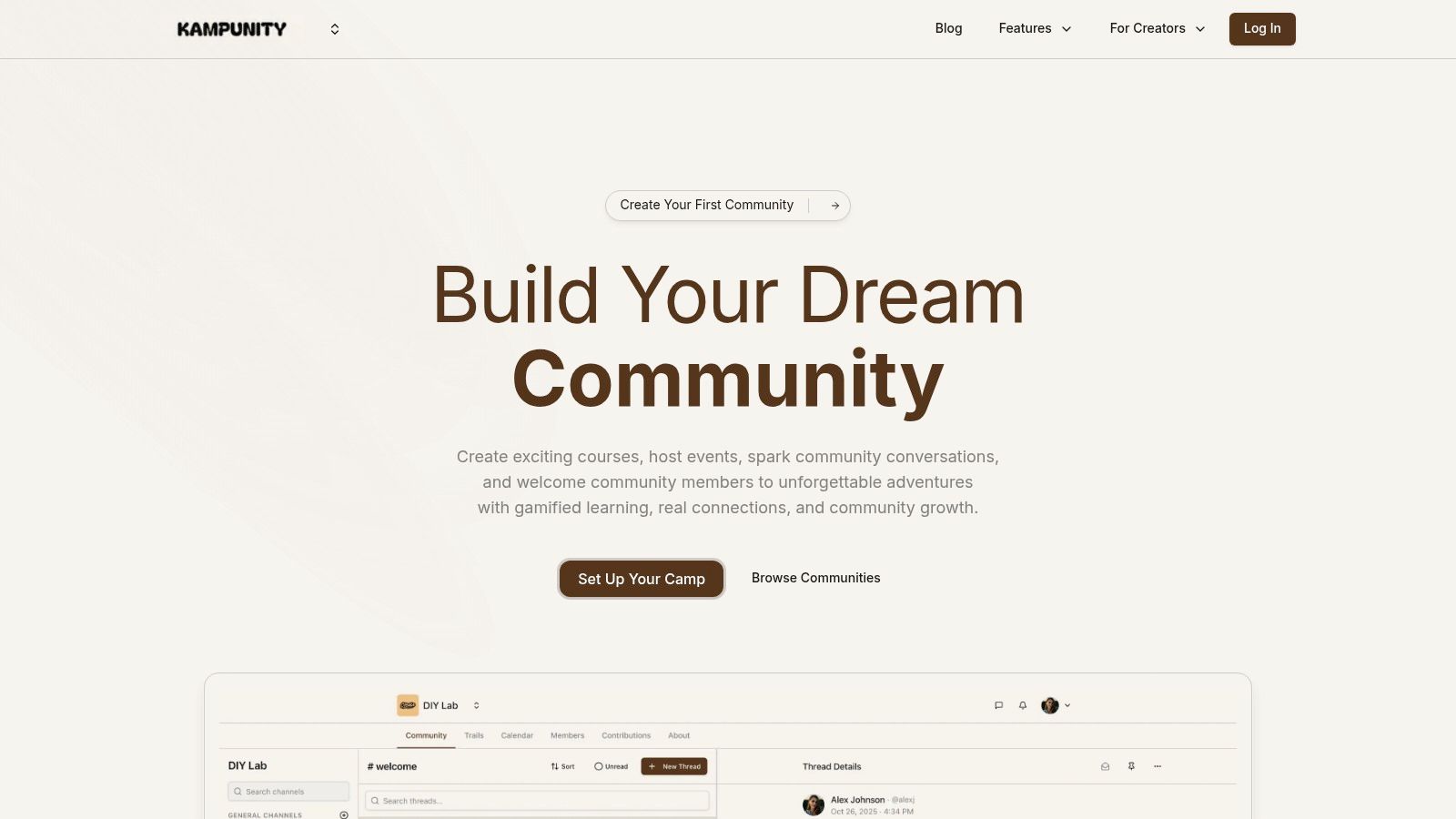
Kampunity centralizes courses, community chat, events, and payments in one dashboard. You’ll save time by replacing four separate apps.
Key Features
- Threaded chat channels with roles and moderation
- Drag-and-drop multimedia course builder (videos, quizzes, assignments)
- Event calendar with Zoom/Google Meet links and automated reminders
- Pricing options: free, one-time, subscription, trials
- Gamification: XP, badges, leaderboards
- Real-time analytics: engagement, completion, and revenue
Learn more about Kampunity learning courses on kampunity.com
Real-World Example
A fitness coach used Kampunity to enroll 75 members on a $49/month plan in 30 days by:
- Publishing a free two-week challenge
- Adding badges for weekly check-ins
- Sending automated session reminders
Step-by-Step Setup
- Sign up and verify your email.
- Create a new “Camp,” name it, and set your currency.
- Add your first course module: click “Lessons,” upload a video, then add a quiz.
- Connect Stripe under Settings → Payments.
- Publish your landing page and share the link.
Pricing and Access
| Plan | Monthly Fee | Platform Fee | Stripe Fee |
|---|---|---|---|
| Free | $0 | 10% | 2.9% + 30¢ |
| Paid Camp | $99 | 1.5% | 2.9% + 30¢ |
Strengths and Considerations
- Pros: All-in-one, strong engagement tools, flexible monetization
- Cons: Platform fees apply, limited white-label options
2. Thinkific
Thinkific is a drag-and-drop all-in-one for hosting, selling, and engaging learners. Use it to launch a course in under an hour.
Key Features
- Drag-and-drop course builder (video, quizzes, certificates)
- Built-in checkout with coupons, bundles, and cart recovery
- Cohort communities and private membership areas
- Zoom integration for live sessions
- SCORM, API, webhooks, SSO on higher plans
Real-World Example
A digital agency sold a 20-seat group workshop using Thinkific’s B2B bulk licensing. They:
- Created a coupon code for 20 seats
- Sent it to HR contacts via email
- Tracked group progress with built-in analytics
Step-by-Step Setup
- Create a free Thinkific account.
- Under “Manage Learning Content,” click “Courses” → “New Course.”
- Upload your first lesson video and quiz file.
- Go to “Market & Sell” → “Coupons” to create a discount.
- Publish and connect Stripe or PayPal.
Pricing and Plans
| Plan | Monthly Cost | Notable Inclusions |
|---|---|---|
| Basic | $49 | Unlimited courses, coupons |
| Pro | $99 | Communities, certificates, quizzes |
| Plus/Enterprise | $499+ | SCORM, API, SSO, white-label |
3. Teachable
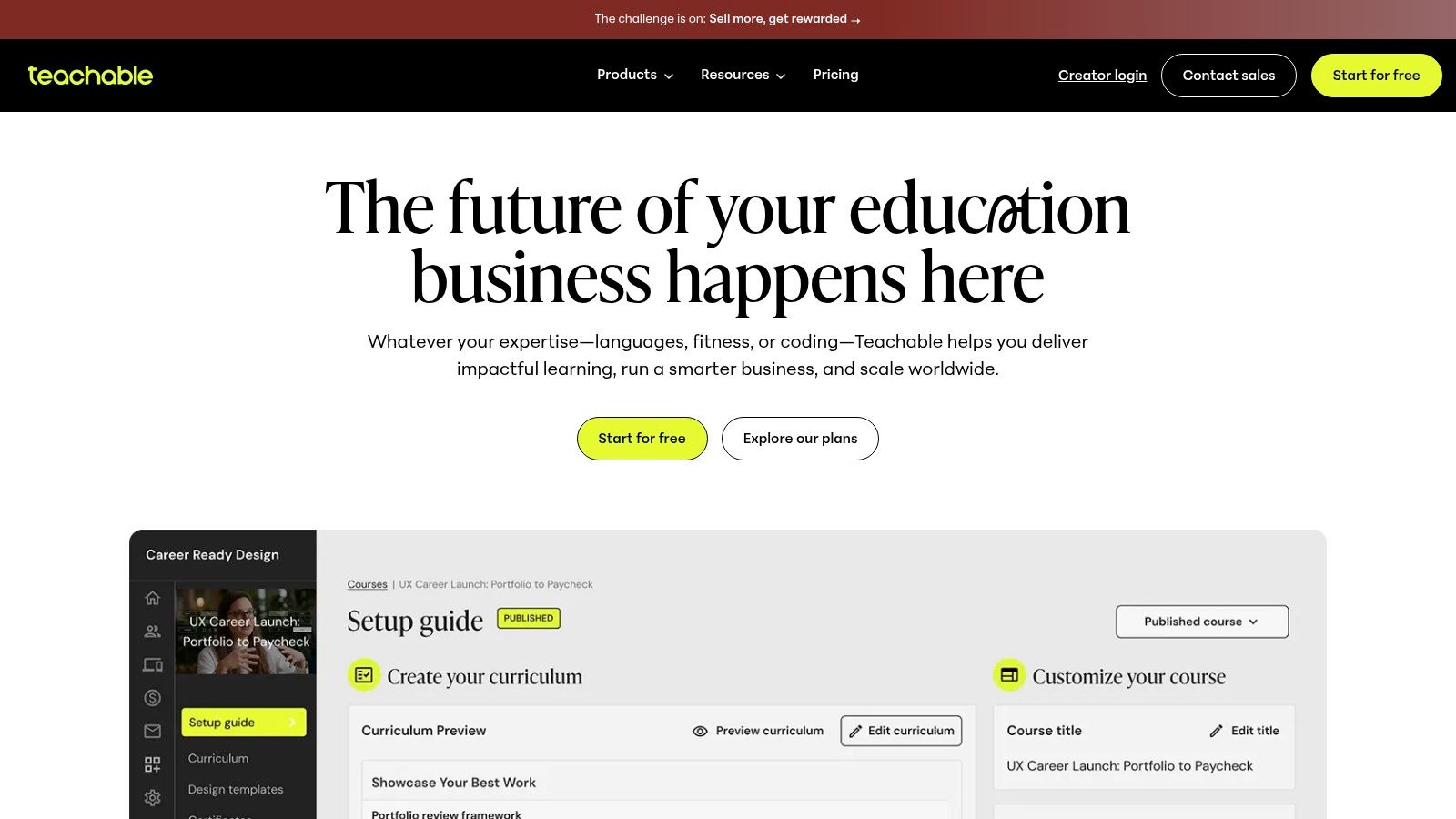
Teachable offers AI-assisted course building, mobile apps, and built-in upsells to boost revenue without extra plugins.
Key Features
- AI-assist builder drafts outlines and suggests media
- Mobile iOS and Android apps included
- Upsells, order bumps, and cart recovery flows
- Certificates and native quizzes
- Flexible pricing: free, one-time, payment plan, subscription
Real-World Example
A language tutor increased revenue by 30% in two weeks by:
- Using AI-assist to draft lesson outlines in 10 minutes
- Adding an order bump for one-on-one coaching at checkout
Step-by-Step Setup
- Sign up and verify your domain under “Settings → General.”
- Click “Courses” → “New Course,” select a template.
- Enable AI Assist under “Course Content.”
- Under “Sales,” add an order bump for coaching.
- Publish and share your course link.
Pricing and Plans
| Plan | Monthly Cost | Transaction Fee |
|---|---|---|
| Free | $0 | 10% |
| Basic | $29 | 5% |
| Pro | $99 | 0% |
| Business | $249 | 0% |
4. Kajabi
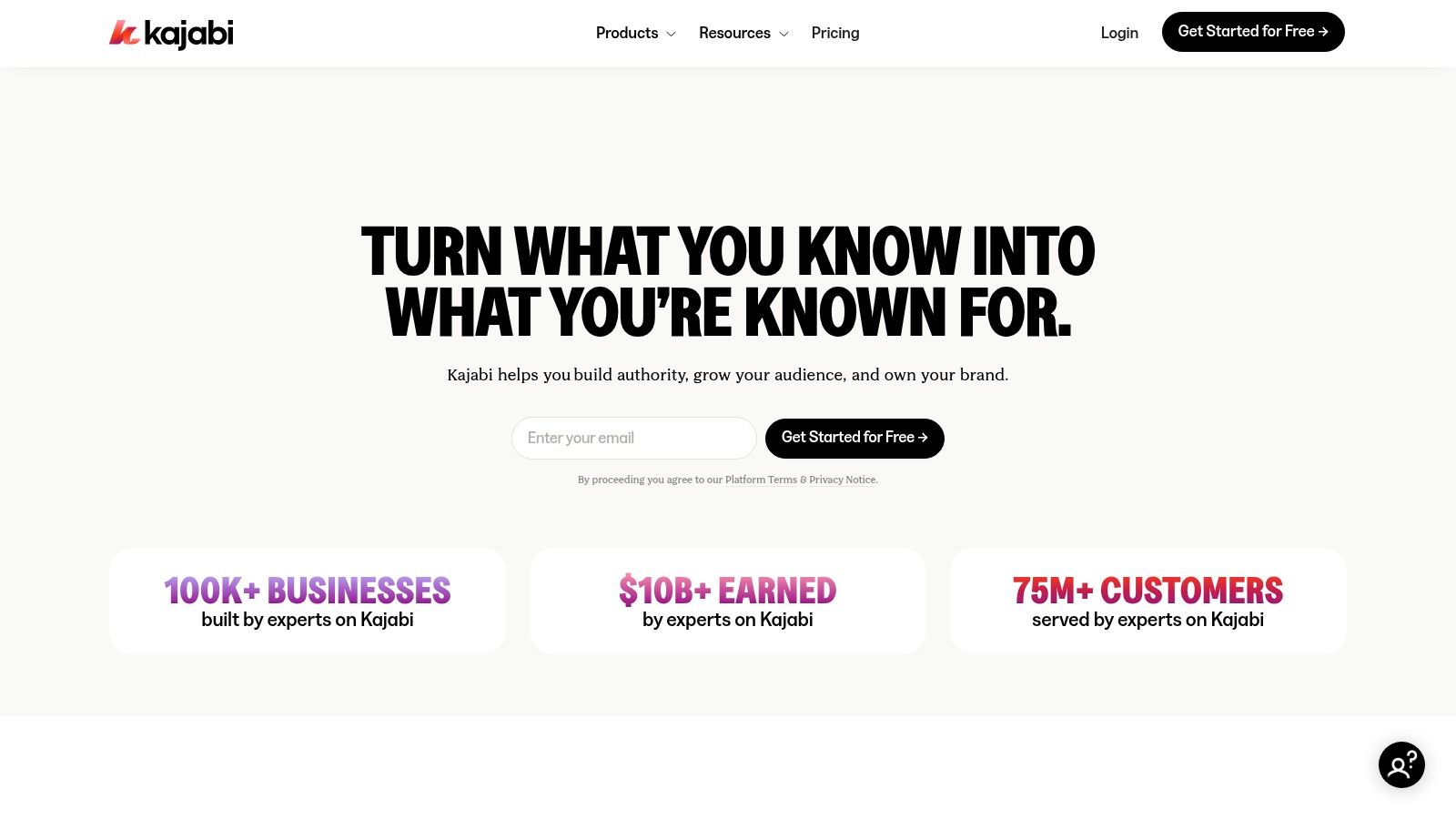
Kajabi combines funnels, CRM, courses, and a branded mobile app. Great for creators who value marketing automation.
Key Features
- Unlimited landing pages, emails, and automations
- Funnels (“Pipelines”) templates for fast launches
- Cohort management, transcripts, translations
- Optional branded mobile app
- API and webhooks on Growth/Pro plans
Learn more about Kajabi on kampunity.com
Real-World Example
A life coach used Pipelines to build a webinar funnel in under 2 hours and captured 200 leads in one week by tagging contacts and automating follow-ups.
Step-by-Step Setup
- Choose your plan and log in.
- Go to “Marketing → Pipelines,” select “Free Webinar.”
- Customize pages, set email automation steps.
- Under “Products,” add your course and connect it to the pipeline.
- Activate and share your funnel link.
Pricing and Plans
| Plan | Monthly Cost (Annual) | Notable Inclusions |
|---|---|---|
| Basic | $149 | 3 products, 1 website |
| Growth | $199 | 15k contacts, automations |
| Pro | $399 | 100k contacts, API access |
5. LearnWorlds
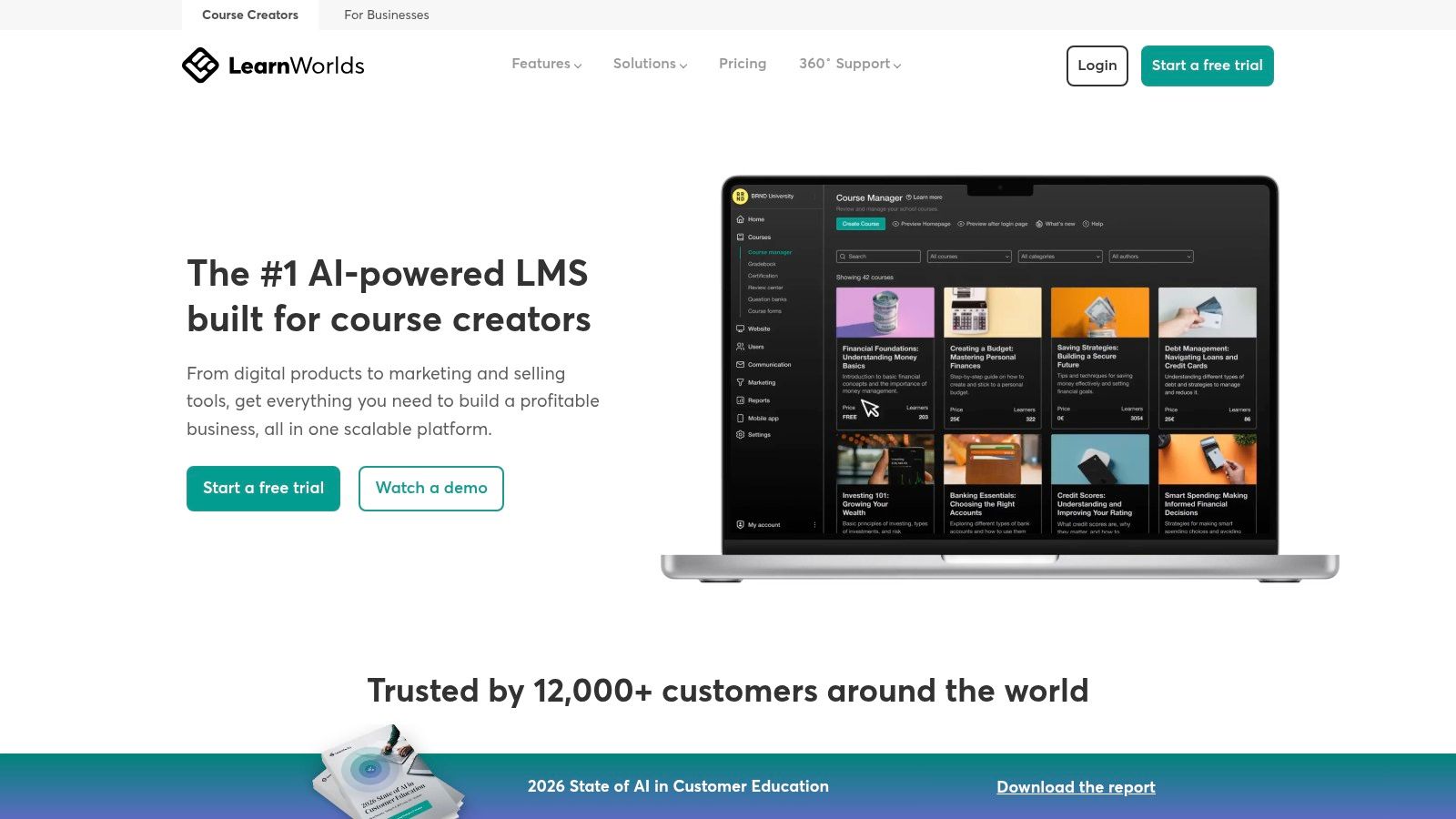
LearnWorlds’s interactive video tools and advanced assessments suit training businesses that need compliance tracking.
Key Features
- In-video quizzes, clickables, watermarks
- Timed exams, question banks, automated certificates
- SCORM & HTML5 support
- Zoom/Webex/Teams integration
- AI assistant for quizzes and transcripts
Real-World Example
A compliance officer launched a five-module SCORM course, using watermarked videos and timed exams to meet audit requirements.
Step-by-Step Setup
- Sign up for a free trial.
- Upload a video and enable interactive quiz points.
- Go to “Assessment” → “Question Bank,” add 20 questions.
- Under “Certificates,” set pass score and auto-generate.
- Publish to your LMS or use LearnWorlds hosted site.
Pricing and Plans
| Plan | Monthly Cost | Includes |
|---|---|---|
| Starter | $29 | 3 courses, fees per enrollment |
| Pro | $79 | Unlimited courses, live sessions |
| Learning Center | $299 | SCORM LMS, no transaction fees |
6. Udemy
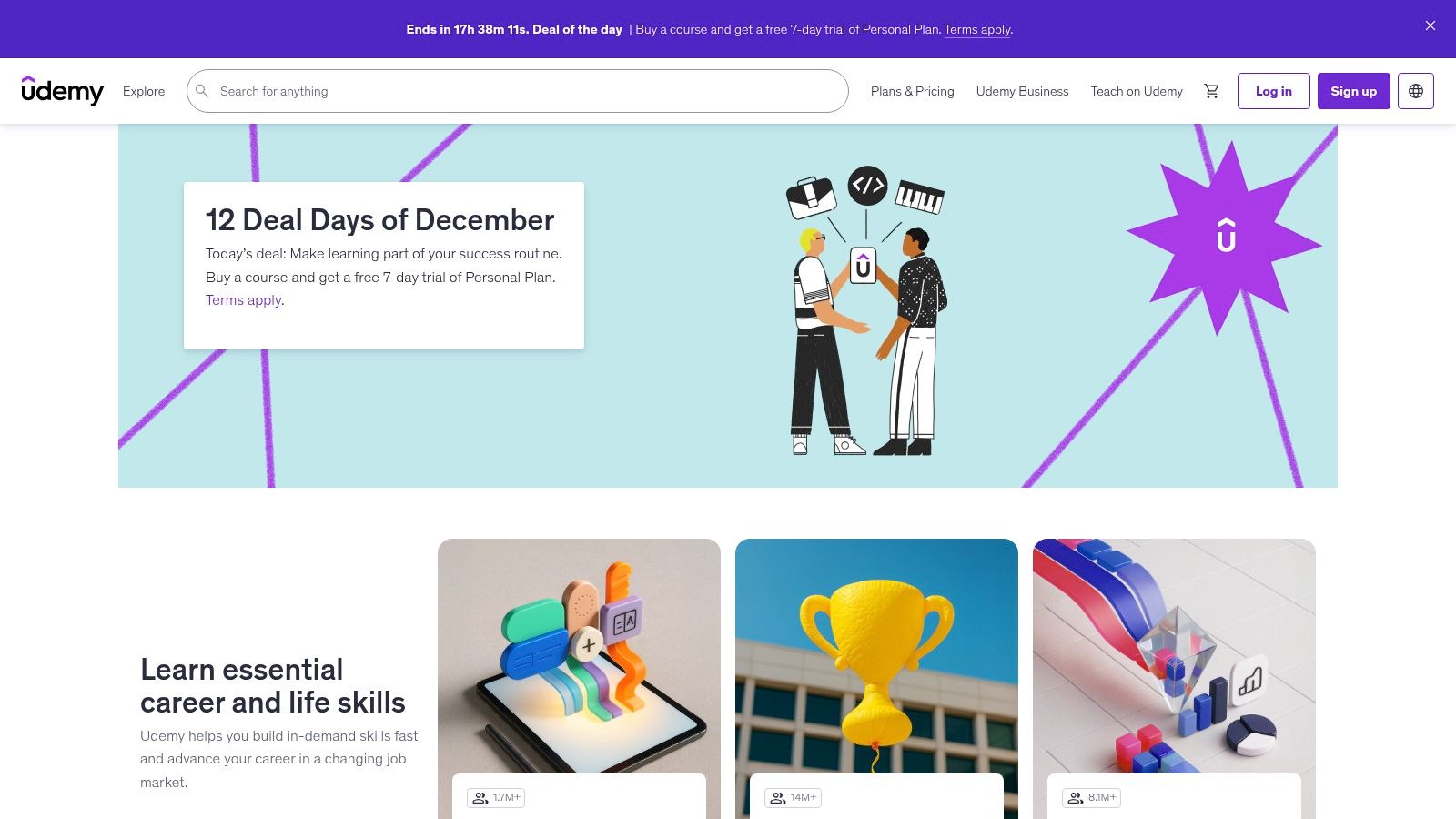
Udemy is a global marketplace—perfect for reaching a built-in audience without hosting headaches.
Key Features
- Free course publishing and unlimited coupons
- Udemy Business bundle and promotion tools
- Analytics dashboard with engagement metrics
- Mobile app for learners
- Automated pricing tests and bundle suggestions
Real-World Example
An Excel trainer issued instructor coupons and earned 90% revenue by sharing them through LinkedIn and email, boosting profits by 20%.
Step-by-Step Setup
- Create an instructor account.
- Upload course videos and sections under “Curriculum.”
- Add coupons in “Promotions” → “Create Coupon.”
- Opt into Udemy Business if eligible.
- Publish and monitor enrollments in “Performance Hub.”
Pricing and Plans
| Plan | Cost |
|---|---|
| Free Publishing | $0 |
| Marketplace Sales | 50% revenue share |
| Instructor Promotions | 3% platform fee |
7. Articulate 360 (Storyline 360 + Rise 360)
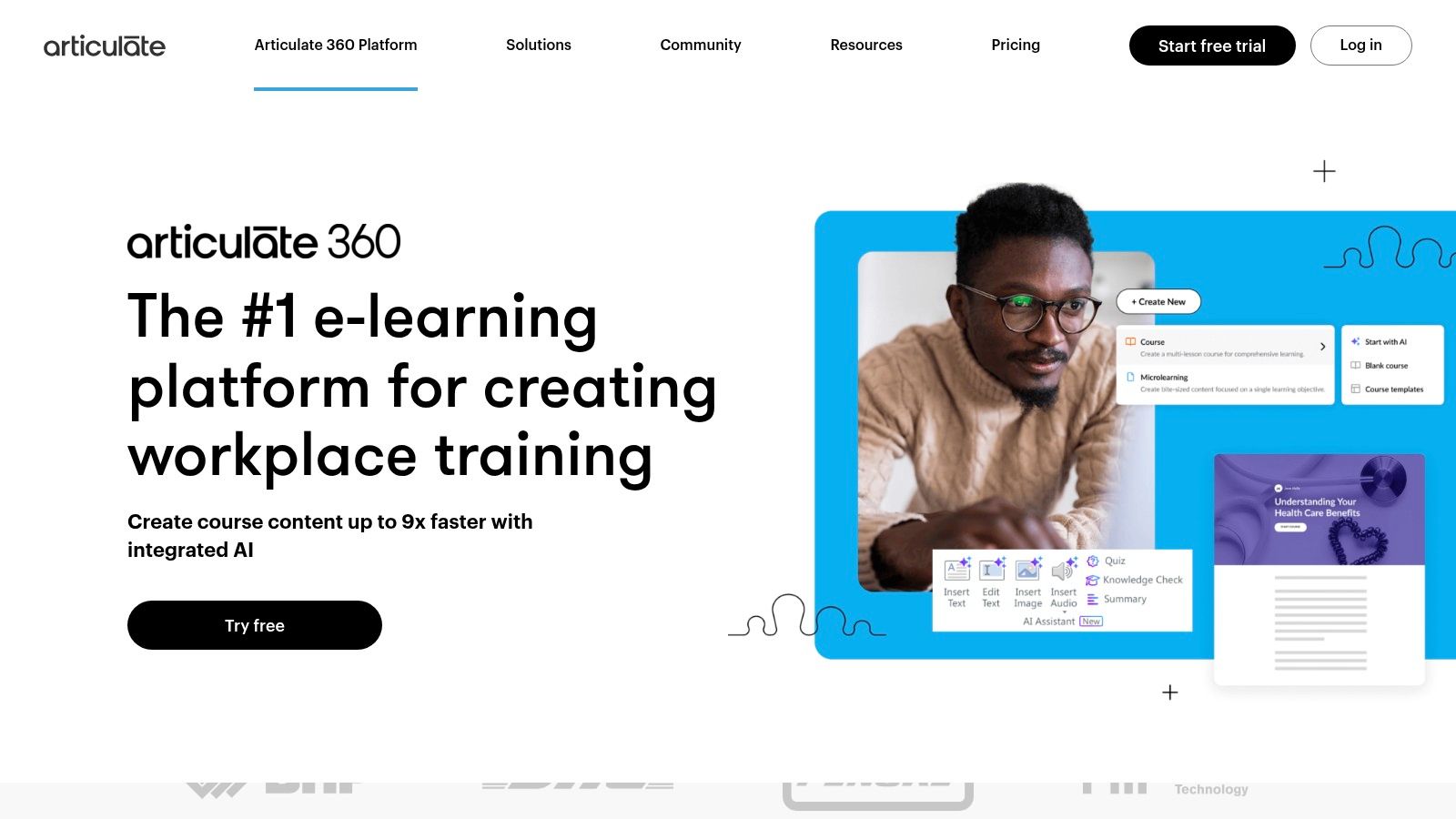
Articulate 360 is the go-to suite for instructional designers who need advanced interactions and review workflows.
Key Features
- Storyline for custom triggers, variables, motion paths
- Rise for mobile-responsive, block-based courses
- Review 360 for browser-based feedback and approvals
- SCORM, xAPI, AICC, cmi5 exports
- Asset library with templates, characters, and AI Assistant
Real-World Example
An HR team prototyped a branching induction scenario in Storyline, collected stakeholder comments in Review 360, and cut approval time by 50%.
Step-by-Step Setup
- Install Articulate 360 and open Storyline 360.
- Create a new scene, add a trigger-based interaction.
- Publish to Review 360 and share the link with SMEs.
- Gather comments, revise, then export SCORM package.
- Upload to your LMS for learner access.
Pricing and Plans
| Plan | Annual Cost | Inclusions |
|---|---|---|
| Individual | $1,399/user | Full suite, AI Assistant, asset library |
| Teams | $1,189/user | Shared review, priority support |
| Enterprise | Custom pricing | SSO, advanced security |
8. Adobe Captivate
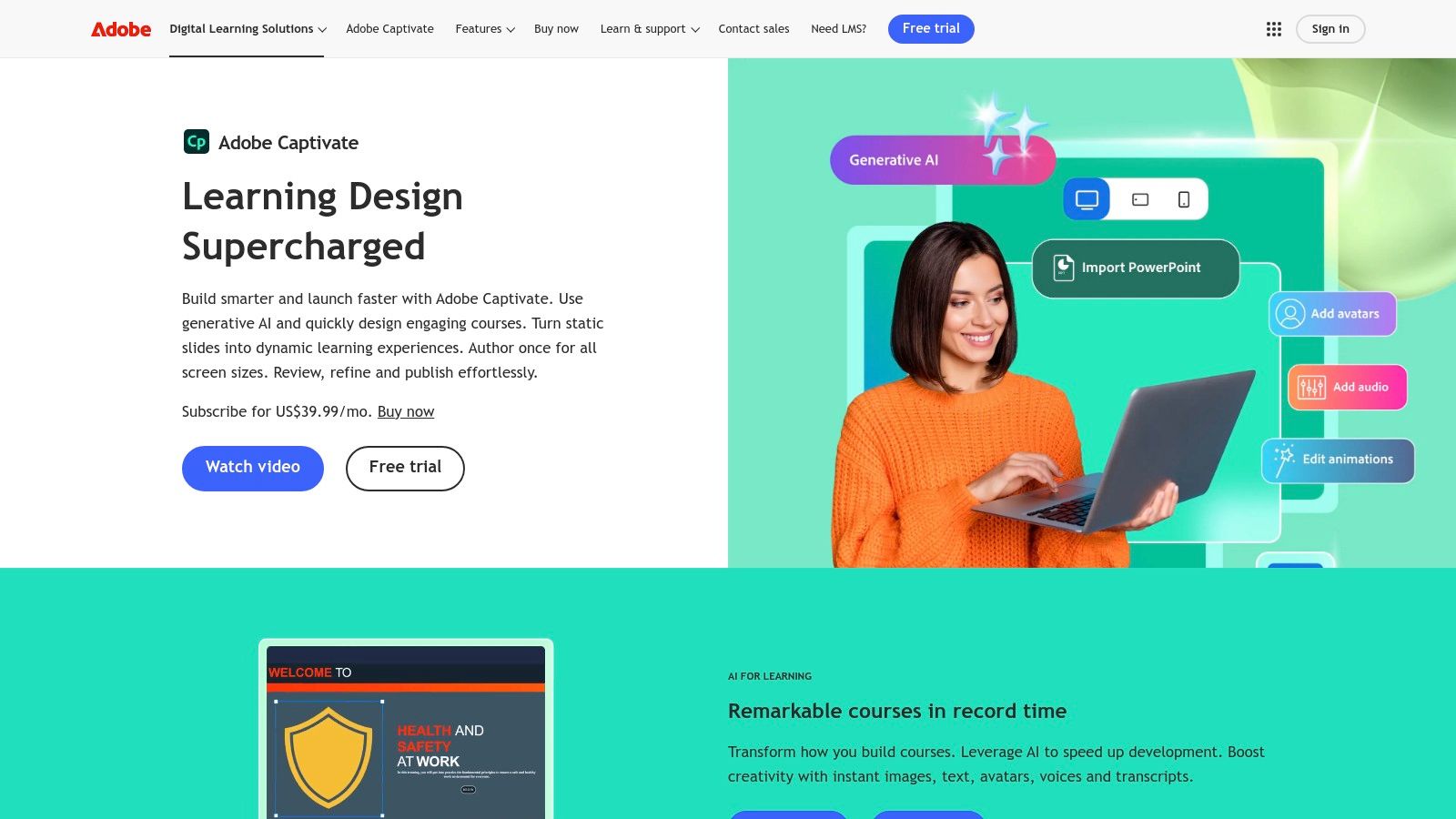
Adobe Captivate turns PowerPoint decks into responsive SCORM courses with AI-generated assets.
Key Features
- Generative AI for images, text, avatars, voiceovers
- PowerPoint import with interactive triggers and branching
- HTML5 responsive output for all devices
- SCORM & xAPI export
- Accessibility tools (Section 508, WCAG)
Real-World Example
A safety trainer imported a 50-slide PowerPoint, added AI voiceover drafts, and published in one afternoon—cutting development time by 60%.
Step-by-Step Setup
- Open Captivate and select “Convert PowerPoint.”
- Import your PPT and review slide masters.
- Enable AI assets under “Assets → Generate.”
- Add quiz slides from the Quiz menu.
- Publish to HTML5 or SCORM package.
Pricing and Plans
| Plan | Monthly Cost | Includes |
|---|---|---|
| Subscription | $33.99 | Always up to date, AI features |
| Annual Prepaid | $29.99 | Discounted rate |
| Perpetual License | $1,299 (one-time) | Offline authoring |
9. iSpring Suite
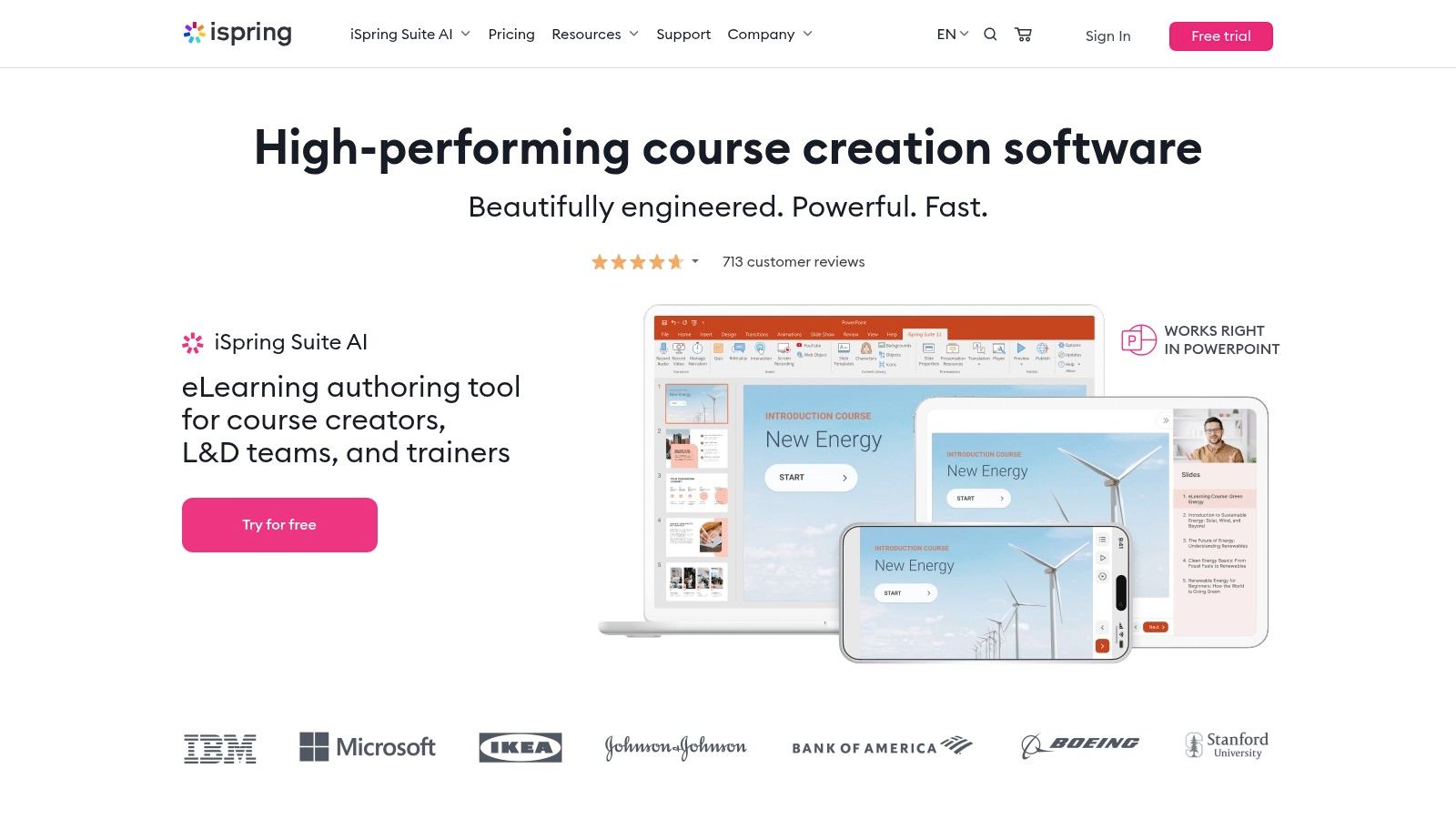
iSpring Suite integrates with PowerPoint to create quizzes, videos, and roleplay simulations in minutes.
Key Features
- PowerPoint-based quiz and interaction builder
- Built-in video studio for screen capture and voiceover
- Dialogue simulation editor for roleplays
- Export to SCORM, xAPI, or PENS
- Optional iSpring Learn LMS
Real-World Example
A sales team built a branching negotiation simulation in 2 hours, then tested it in a sandbox LMS before live rollout.
Step-by-Step Setup
- Install iSpring Suite and open PowerPoint.
- Launch the iSpring tab, click “Quiz” → choose a template.
- Record a screencast under “Video.”
- Add dialogue simulations via “Role-Play.”
- Export SCORM package and upload to LMS.
Pricing and Plans
| Plan | Annual Cost | Inclusions |
|---|---|---|
| Standard | $770/user | Quizzes, interactions, video studio |
| Pro | $970/user | Dialogue sims, scenario editor |
| Volume | Quote-based | Multi-seat discounts |
10. TechSmith Camtasia
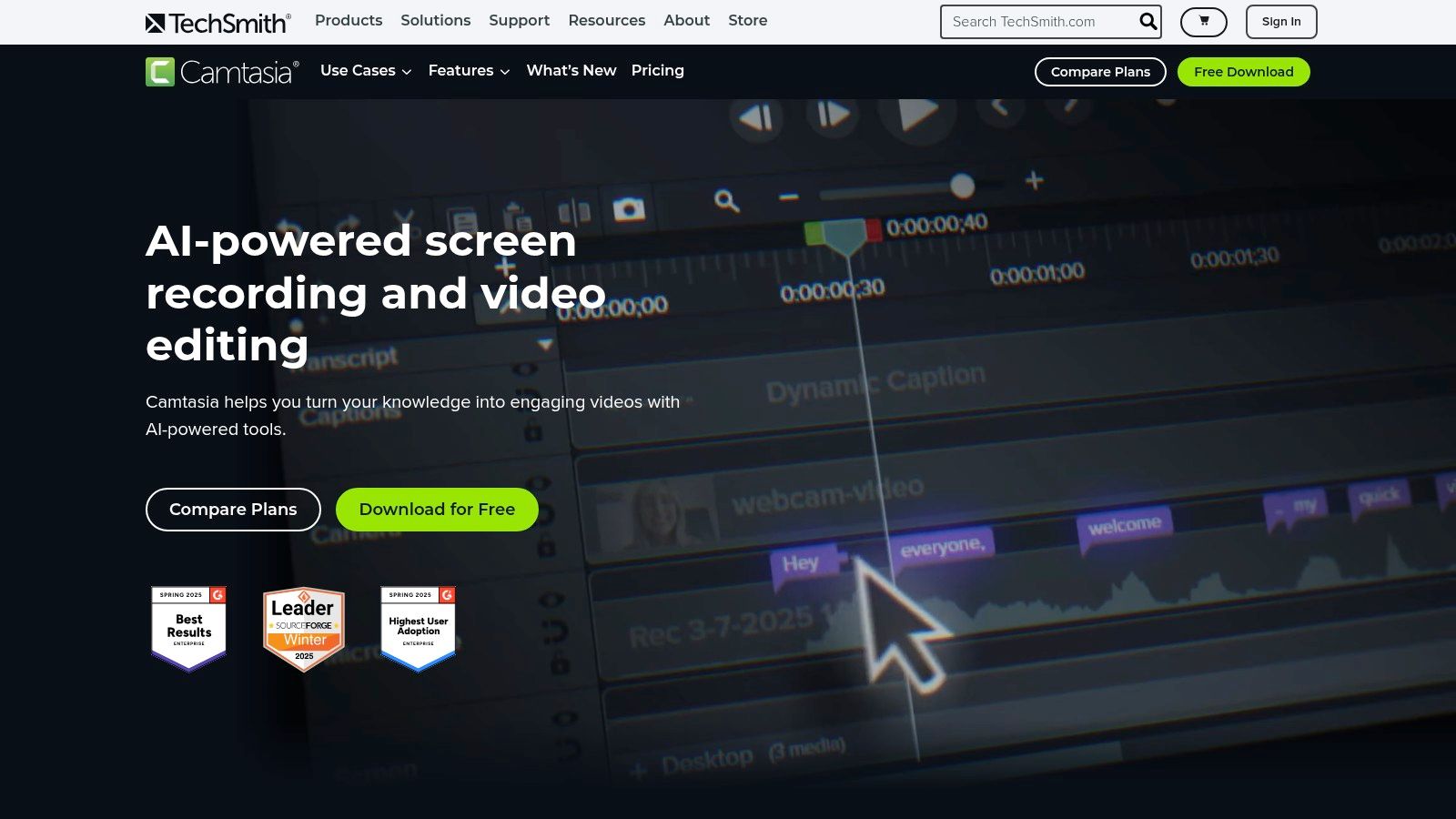
Camtasia is a screen recorder and video editor for polished tutorials, demos, and explainers.
Key Features
- High-quality screen and webcam capture with multi-track timeline
- AI-powered captions and audio cleanup
- Cursor smoothing, callouts, and transitions
- Asset library with templates and royalty-free music
- Export to MP4, WMV, HEVC or direct LMS upload
Real-World Example
A software trainer scripted markers using AI script assist, recorded a 10-minute tutorial, and applied callouts to highlight each step—publishing in under 1 hour.
Step-by-Step Setup
- Open Camtasia and click “New Recording.”
- Capture your screen and webcam in one take.
- Drag clips to the timeline, add captions under “Audio Effects.”
- Insert callouts under “Annotations.”
- Export as MP4 or upload directly to your LMS.
Pricing and Plans
| Plan | Annual Cost | Inclusions |
|---|---|---|
| Individual | $249/license | Full editing suite, AI features |
| Team | $499/license | Multi-seat, priority support |
| Enterprise | Custom pricing | Site licensing, dedicated manager |
11. LearnDash
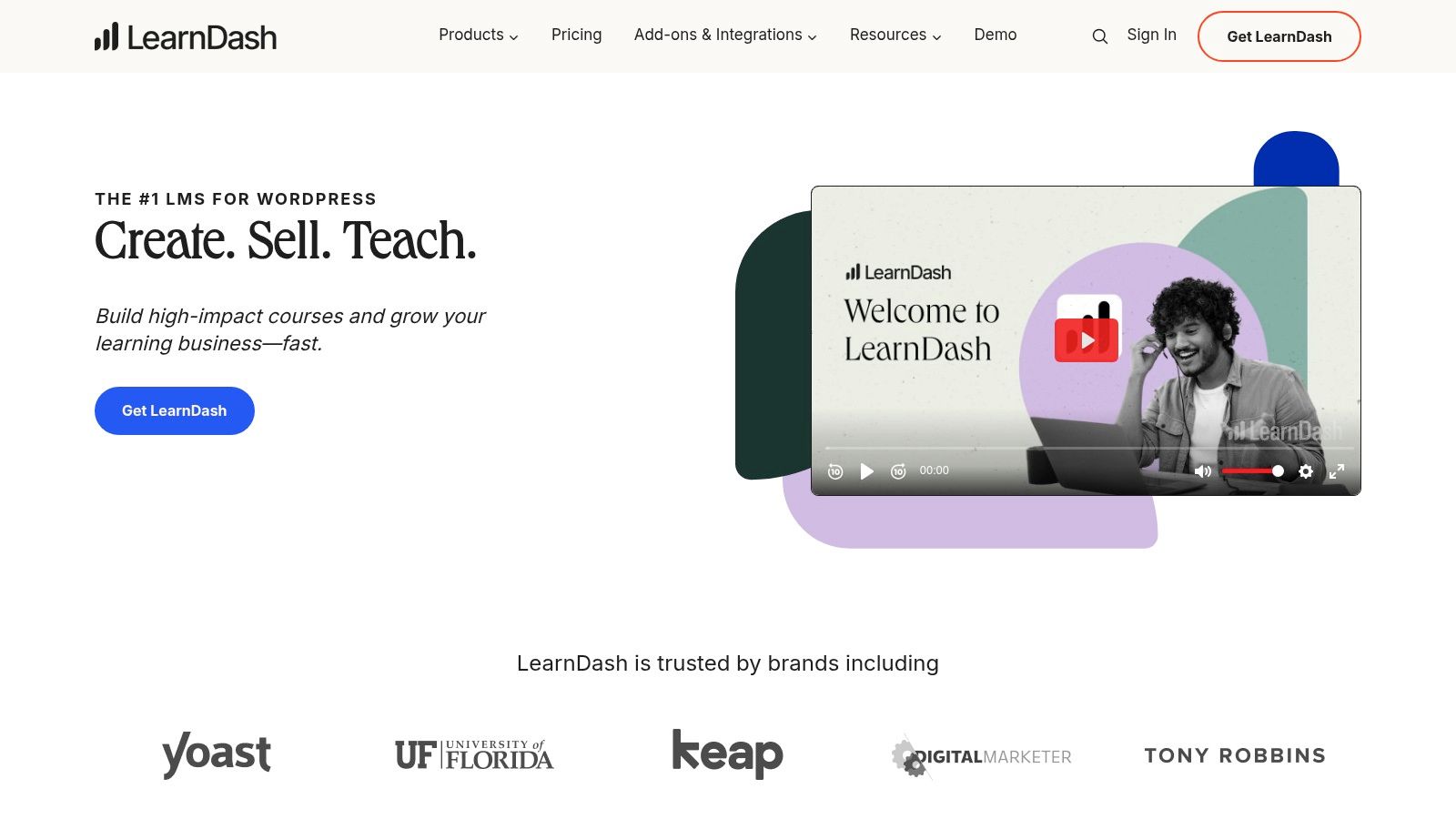
LearnDash is a WordPress LMS plugin (or cloud-hosted) for full site control and a deep add-on ecosystem.
Key Features
- Drag-and-drop builder with AI-powered outline and quiz creation
- Memberships, subscriptions, bundles with Stripe/PayPal
- Focus Mode for distraction-free learning
- Marketplace of add-ons: forums, certificates, group management
- LearnDash Cloud option for hosted updates and support
Real-World Example
An agency used LearnDash Cloud to launch a five-course series with tiered access. They:
- Set up bundle pricing for three-course and five-course packs
- Enabled ProPanel analytics to track progress
- Integrated BuddyPress for community forums
Step-by-Step Setup
- Install LearnDash plugin or sign up for Cloud.
- Under “Courses,” click “Add New,” then use AI outline.
- Configure access levels and pricing under “Settings.”
- Add quizzes via “Quiz Builder.”
- If self-hosted, install recommended add-ons (bbPress, WooCommerce).
Pricing and Plans
| Plan | Annual Cost | Inclusions |
|---|---|---|
| Basic | $199 | Single site, core features |
| Plus Package | $229 | Up to 10 sites, ProPanel analytics |
| Pro Package | $369 | Up to 25 sites, group management, support |
12. Podia
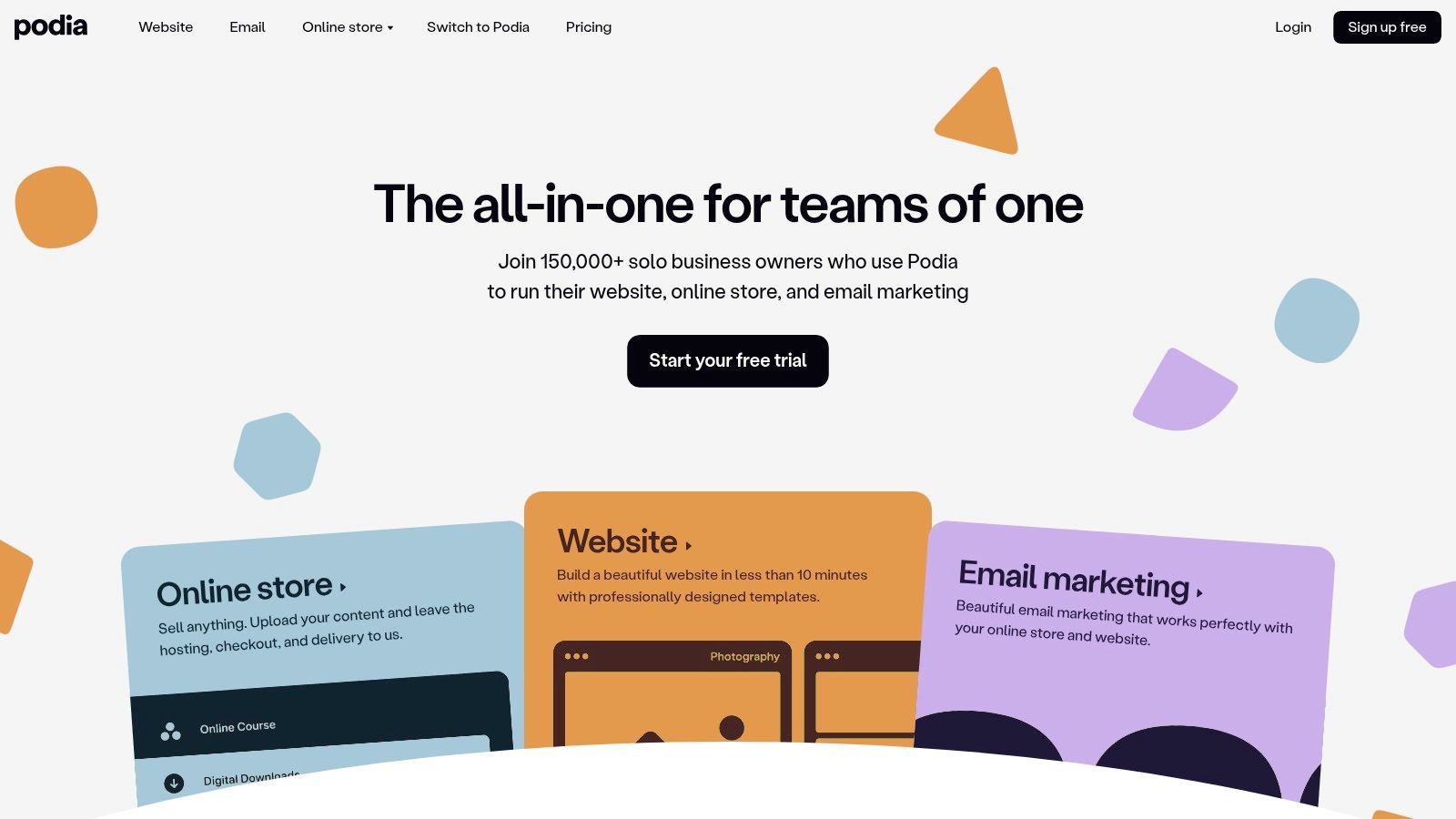
Podia offers an all-in-one storefront for courses, downloads, webinars, coaching, and memberships—no extra tools needed.
Key Features
- Unlimited courses, downloads, webinars, coaching products
- Built-in website, landing pages, checkout, and email campaigns
- Affiliate marketing and embedded checkout on Shaker plan
- Easy migrations from other platforms
Learn more about Podia on kampunity.com
Real-World Example
A designer migrated from Teachable, used Podia’s embedded checkout to double conversion rates and launched a webinar series in 48 hours.
Step-by-Step Setup
- Start a 30-day free trial.
- Under “Products,” click “New Course” and upload content.
- Build your site pages in “Website → Pages.”
- Enable affiliate program under “Shaker” plan settings.
- Publish and test the checkout flow.
Pricing and Plans
| Plan | Monthly Cost | Inclusions |
|---|---|---|
| Mover | $39 | Unlimited products, email, 5% fee |
| Shaker | $89 | 0% fee, affiliate, embedded checkout |
| Earthquaker | $199 | Onboarding, priority support, custom code |
Top 12 Course Builder Comparison
| Platform | Core features | UX/Quality (★) | Pricing/Value (💰) | Target (👥) | Unique selling points (✨) |
|---|---|---|---|---|---|
| 🏆 Kampunity | Chat, course builder, events, payments, gamification | ★★★★☆ | 💰 Free start (10% fee); $99/mo + 1.5% fee | Course creators, coaches | All-in-one stack; granular engagement controls |
| Thinkific | Drag-drop builder, payments, communities, Zoom, SCORM | ★★★★☆ | 💰 Free → tiered; gateway fees apply | Creators, SMBs, B2B | B2B bulk licensing, robust commerce features |
| Teachable | AI builder, mobile apps, pricing models, cart recovery | ★★★★☆ | 💰 Free trial; lower-tier fees | Solo creators, coaches | Fast launch + native mobile apps |
| Kajabi | Funnels, automations, CRM, branded mobile app | ★★★★☆ | 💰 Premium; extra fees if external payments | Advanced creators, businesses | Deep marketing automation; custom app option |
| LearnWorlds | Interactive video, assessments, SCORM, analytics | ★★★★☆ | 💰 Tiered; no fees on Learning Center | Training businesses, orgs | Interactive video authoring and compliance analytics |
| Udemy | Marketplace, promotions, analytics, mobile | ★★★☆☆ | 💰 Free publish; 50% revenue share | Instructors seeking discovery | Massive built-in audience |
| Articulate 360 | Storyline + Rise + Review360, exports | ★★★★★ | 💰 Annual subscription; enterprise cost | L&D teams, instructional designers | Industry-standard interactions; stakeholder review workflow |
| Adobe Captivate | PPT import, generative AI, responsive output | ★★★★☆ | 💰 Subscription or perpetual license | L&D teams, Adobe users | Fast PPT-to-course + AI asset generation |
| iSpring Suite | PowerPoint integration, video studio, sims | ★★★★☆ | 💰 License/quote; trial | Teams authoring in PowerPoint | Rapid SCORM exports and dialogue simulations |
| TechSmith Camtasia | Screen recording, editing, captions, library | ★★★★★ | 💰 Subscription; volume licensing | Video-focused course creators | Quick, high-quality tutorial production |
| LearnDash | WP LMS plugin/cloud, builder, memberships, add-ons | ★★★★☆ | 💰 Annual license; extension costs | WordPress site owners, agencies | Total control; mature add-on ecosystem |
| Podia | Courses, downloads, webinars, coaching, email, affiliates | ★★★★☆ | 💰 Plans; 5% fee on Mover plan | Solo creators, small businesses | Unified storefront; easy migrations |
Ready to streamline your entire course creation process in one platform? Explore Kampunity for all-in-one course building, community engagement, and payment handling. Get started today at Kampunity and transform your ideas into a thriving online learning business.